SECURITY CAMERA User Manual
WWW.RSRTENG.COM Page.66.
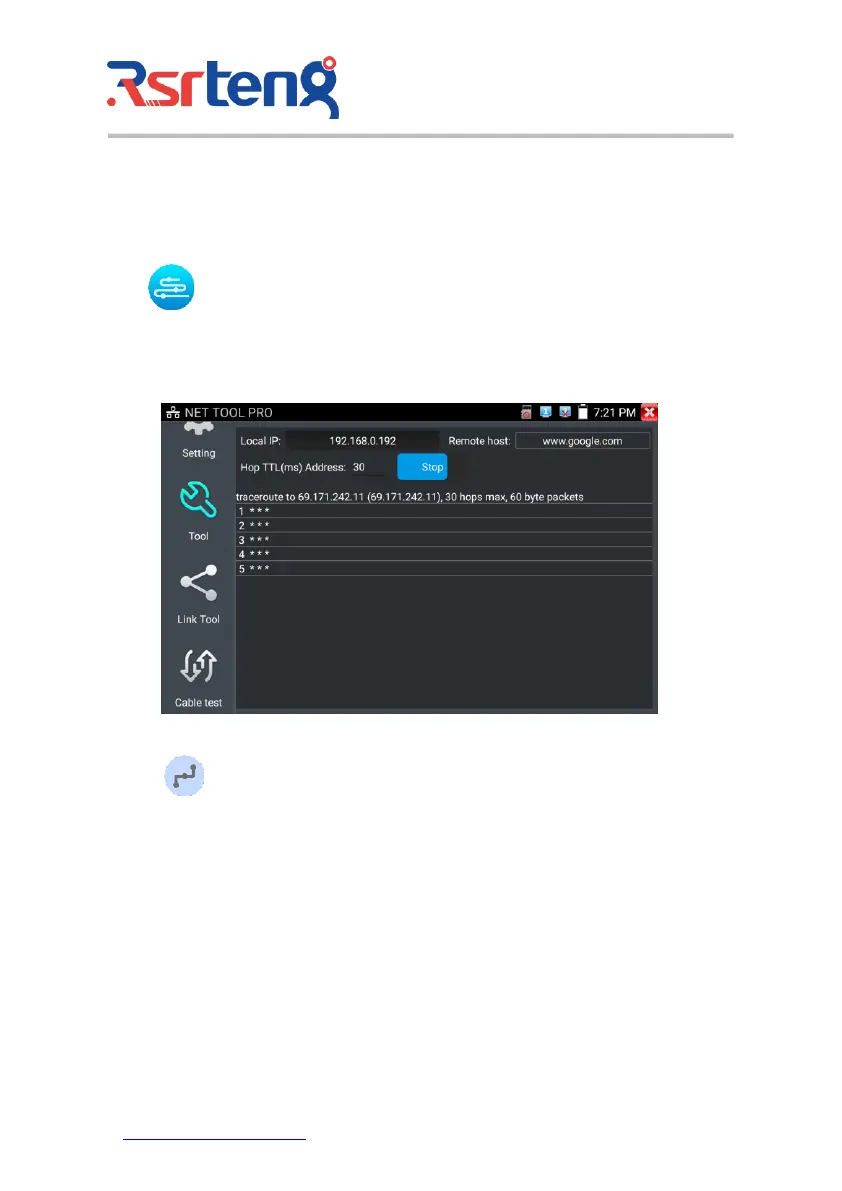
(6)Trace route
It is used to determine path of the IP packet access target.
Note: Trace route testing results only for reference, for accurate test route tracking, Please use
professional Ethernet tester.
Click to enter trace route
Input tracking IP address or domain name in the Remote Host IP. Set maximum hop count, normally
default is 30
Click "start" to trace the goal address
(7)Link monitor
Click the icon to open the Link Monitor app. This app is used to see if an IP address is occupied
by other network devices. This will avoid new address conflicts
Click "Add " and enter the desired IP address. To test different network segments, click the "Settings"
icon on the main menu and go to IP Settings and make the desired changes. Once the desired IP
addresses are added to the Link Monitor list, click "Start". If the IP address status shows a check mark
the IP address is occupied. If the IP address status shows an X the IP address is available. Click "Stop"
to stop the testing



 To Next Page