SECURITY CAMERA User Manual
WWW.RSRTENG.COM Page.116.
Set at the same time: Setting color as desktop background and application background.
Cancel: Cancel current setting.
Picture:
Click Picture to select one, and set as temporarily background to view setting effect. Click "more" to
select pictures from local file, and click set to set picture as background.
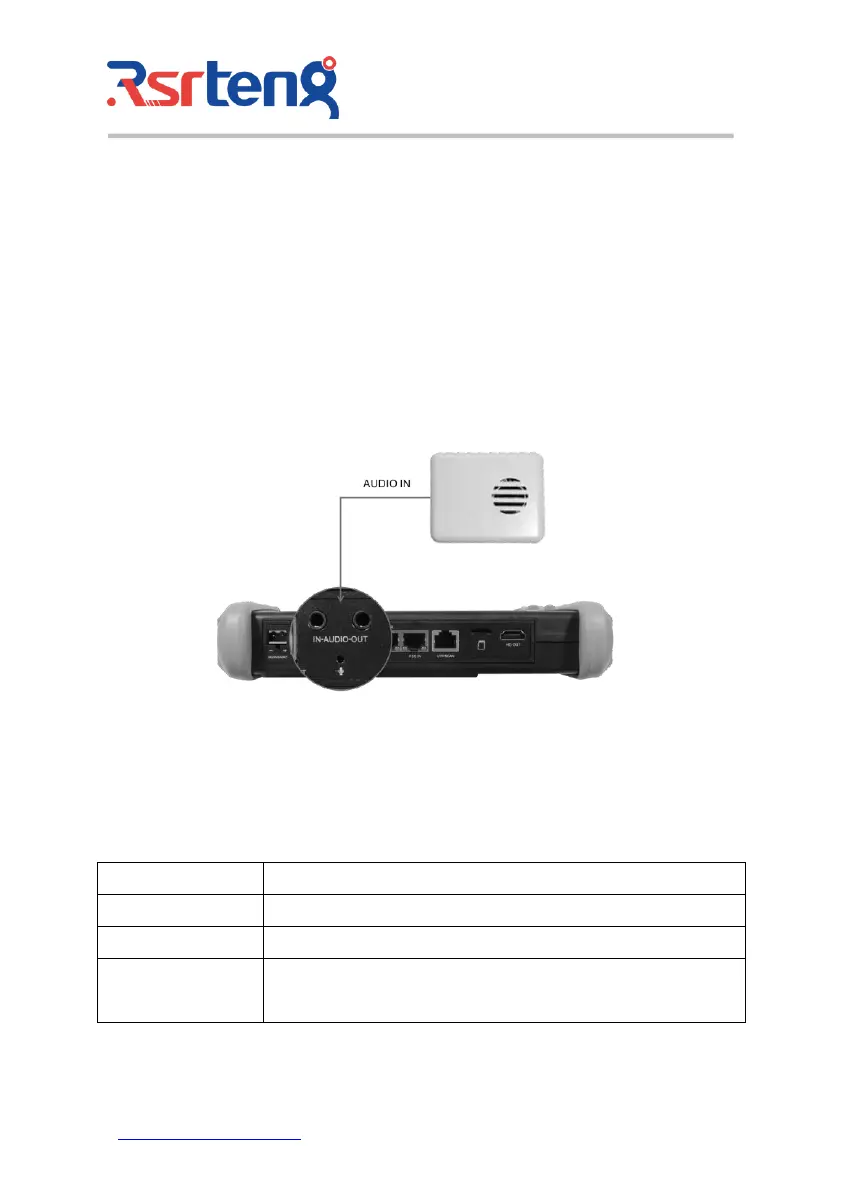
3.3.47 Audio test
You can test the audio input from audio pickup devices by connecting the audio pickup device to the IP
tester with the supplied audio cable.
4. Specifications
4.1 General Specifications
IP Camera Tester【*】models Optional
7 inch retina touch screen, 1920*1200 resolution
10/100/1000Mbps auto adjust, RJ45, Dual LAN port
Built in WIFI, speeds 150M, allows you to connect to a wireless network
and view IP cameras



 To Next Page