SECURITY CAMERA User Manual
WWW.RSRTENG.COM Page.30.
Video files can play in the Video player on the main menu.
PTZ
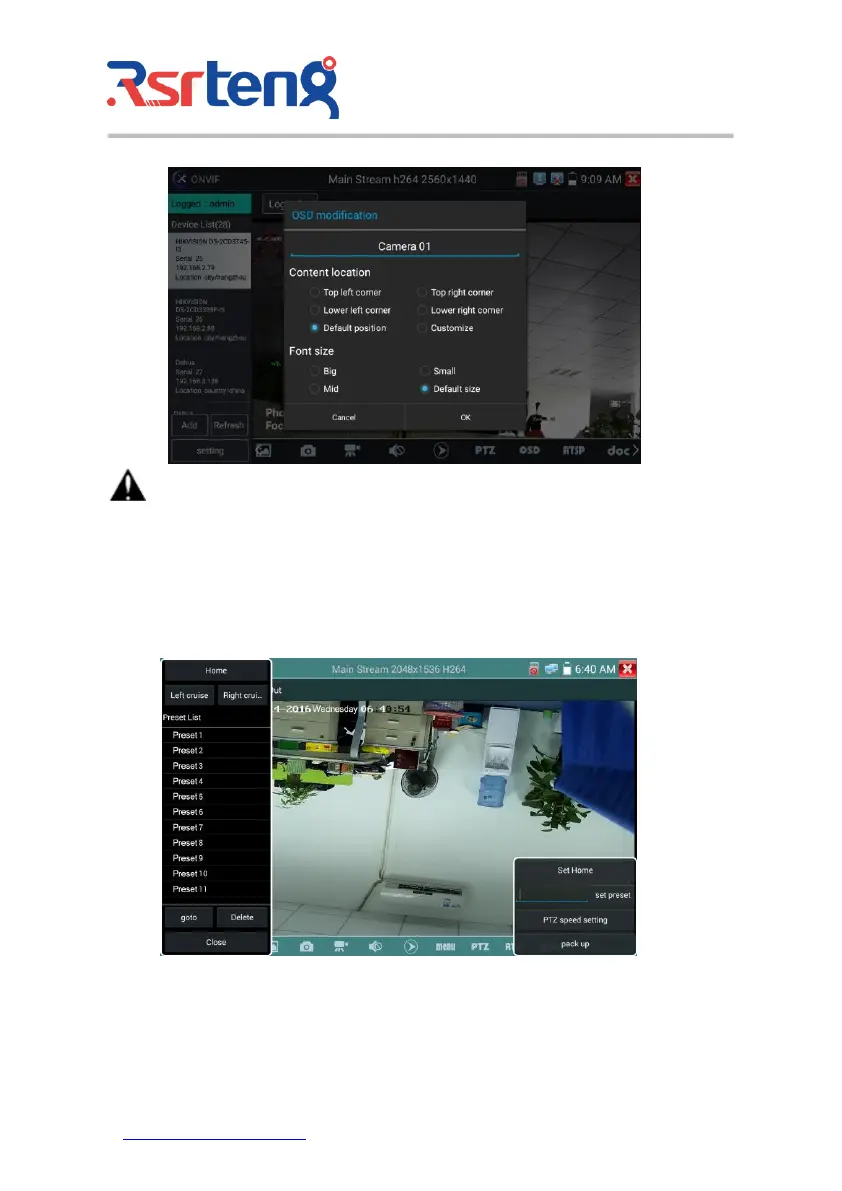
Set preset position: Move the camera to preset position, enter the preset number on the Bottom right
corner to complete position preset.
Call the preset position: Select the preset number on the left, click "Call" to call preset.



 To Next Page