SECURITY CAMERA User Manual
WWW.RSRTENG.COM Page.41.
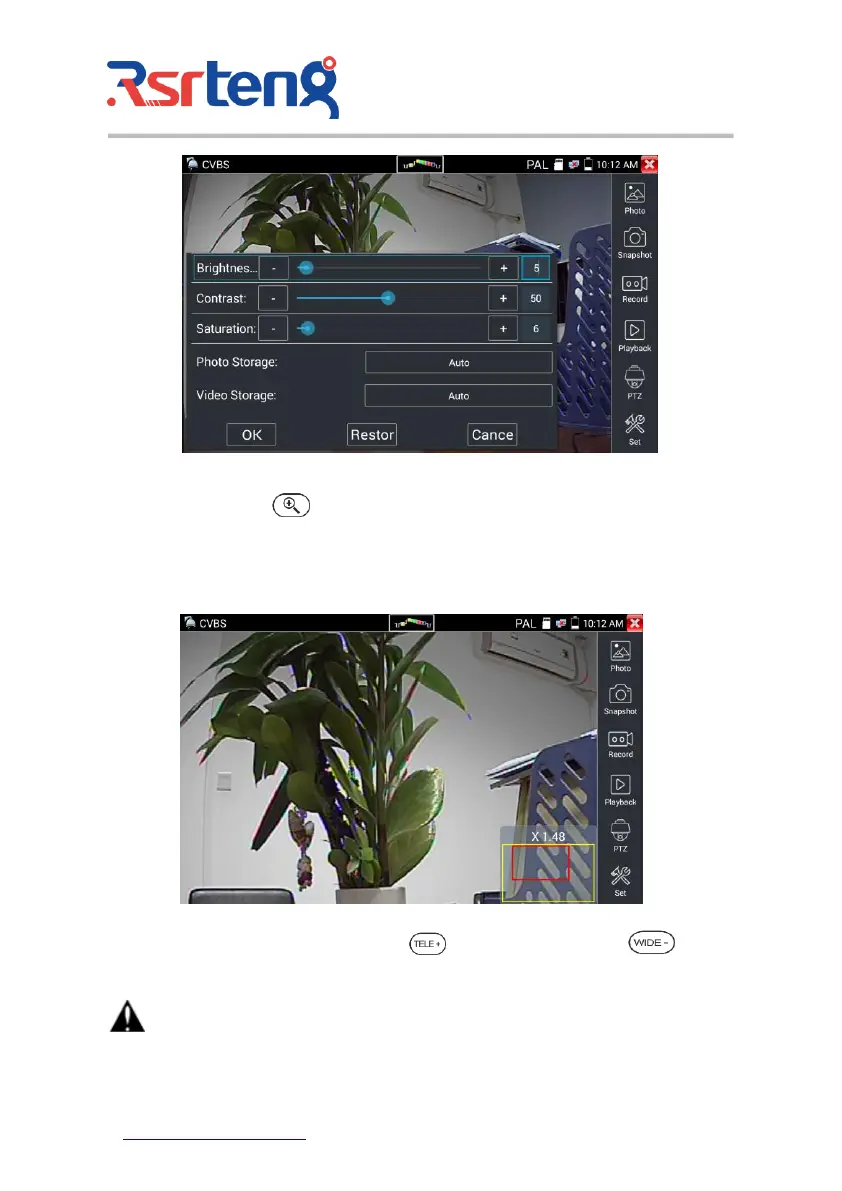
3) 4 x zoom image display and Video out
When image input, press to enter "zoom", press it again to quit.
Using the touch screen to control PTZ camera movement:
Tap left, right, upward or downward on the video image to move the PTZ camera in a desired direction.
Stretch two fingers outward or inward on the touch screen to zoom the image in or out.
If not use touch screen to operate, press the key to zoom out , press the key to zoom
in, press upward and downward key to move the image.
For analog video input, as the resolution is 720*480, it is normal that the zoom in image is not


 To Next Page
 Loading...
