SECURITY CAMERA User Manual
WWW.RSRTENG.COM Page.43.
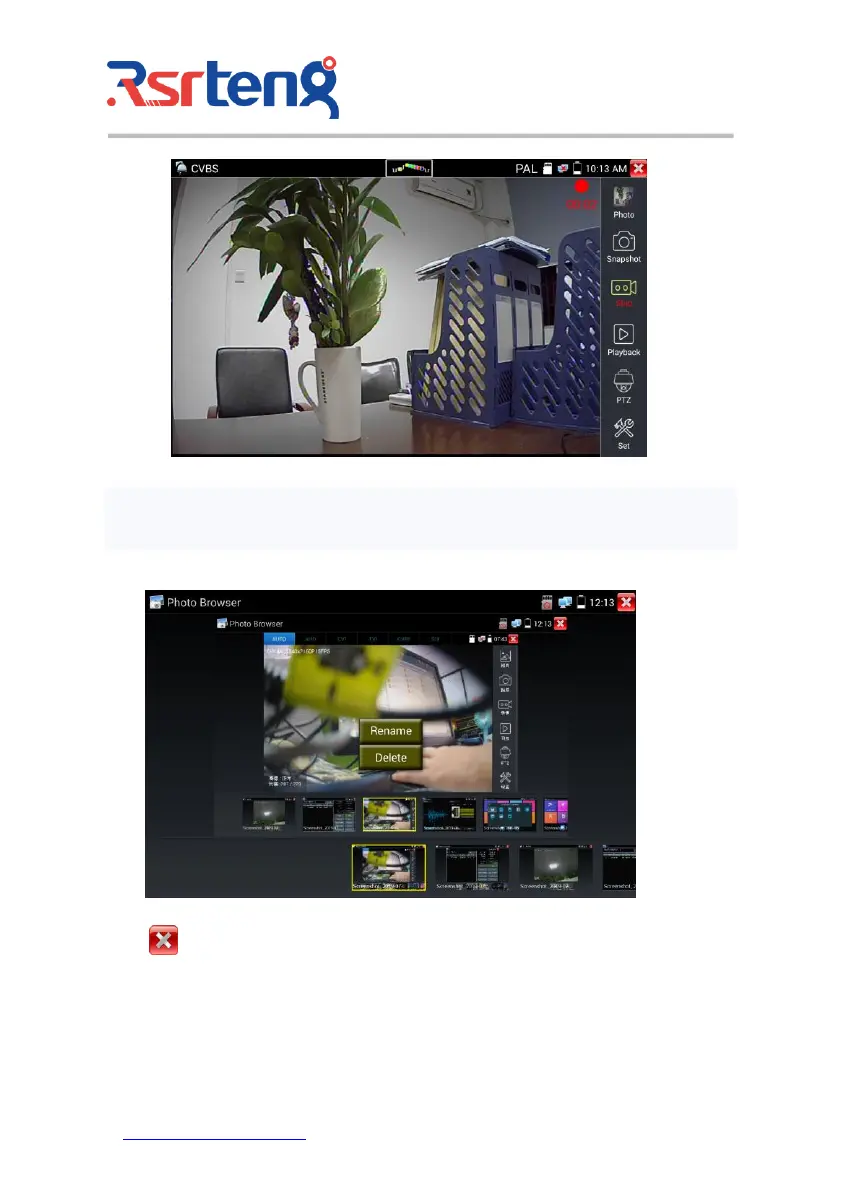
(6)Photo
Click the icon "photo" to enter, click the selected thumbnail photo to display it on the screen.
Double-tap the image you want to view to make it full screen. Double-click again the photo to return.
To rename or delete an image, click and hold on the file until this screen below appears.
Click to close and return to PTZ controller.
(7) Recorded video playback
Click the "Playback" icon to view your recorded videos. Tap on the video file image you want to watch.



 To Next Page