SECURITY CAMERA User Manual
WWW.RSRTENG.COM Page.53.
To control PTZ by key buttons
Press arrow keys to control to control the PTZ direction of
rotation
Press the key to switch on or turn off the aperture.
Press the key to adjust the focus manually.
Press the key to manually adjust the zoom.
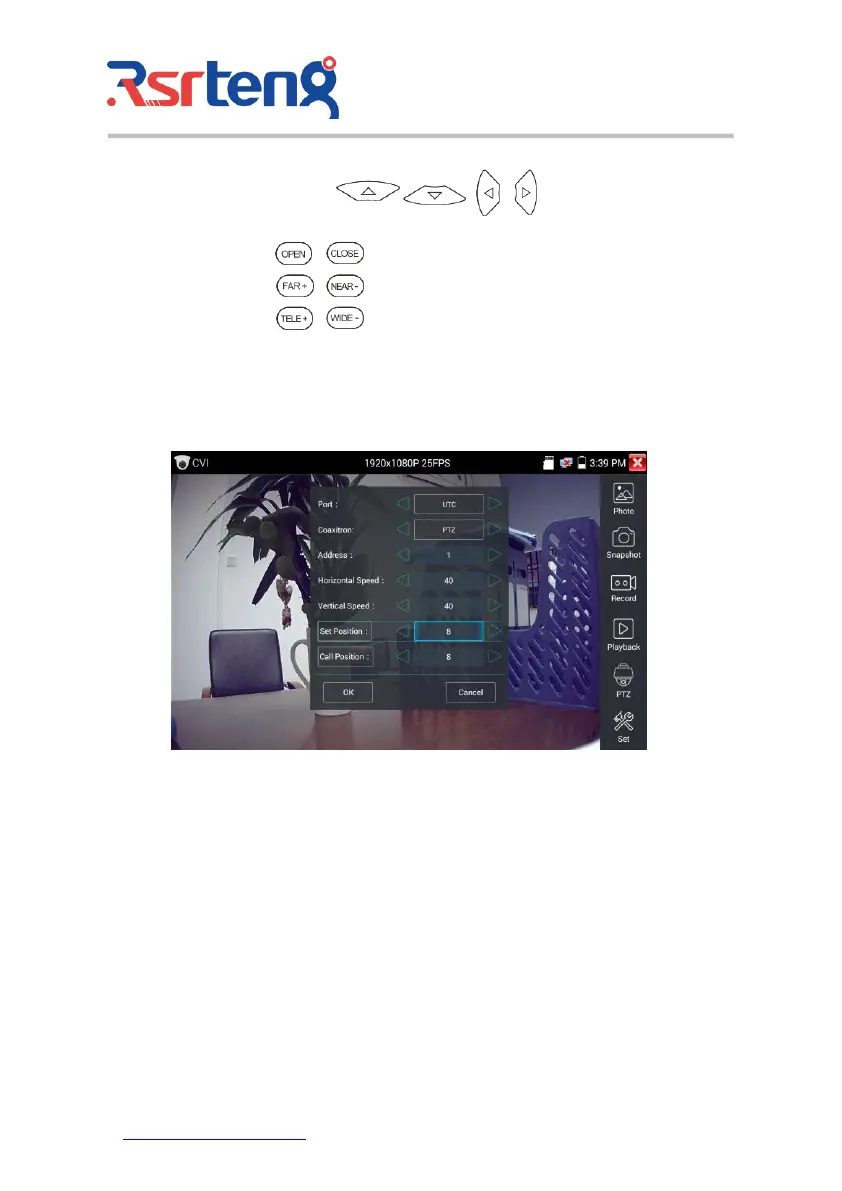
Set preset position
Setup preset position, move the PTZ camera to the preset position, the Tap it and input preset position
number. Tap "Set position" to complete set preset position.
Call preset position
Tap the preset position:
Tap the preset position area, input preset position number. Tap "call position" to complete call preset
position.



 To Next Page