SECURITY CAMERA User Manual
WWW.RSRTENG.COM Page.56.
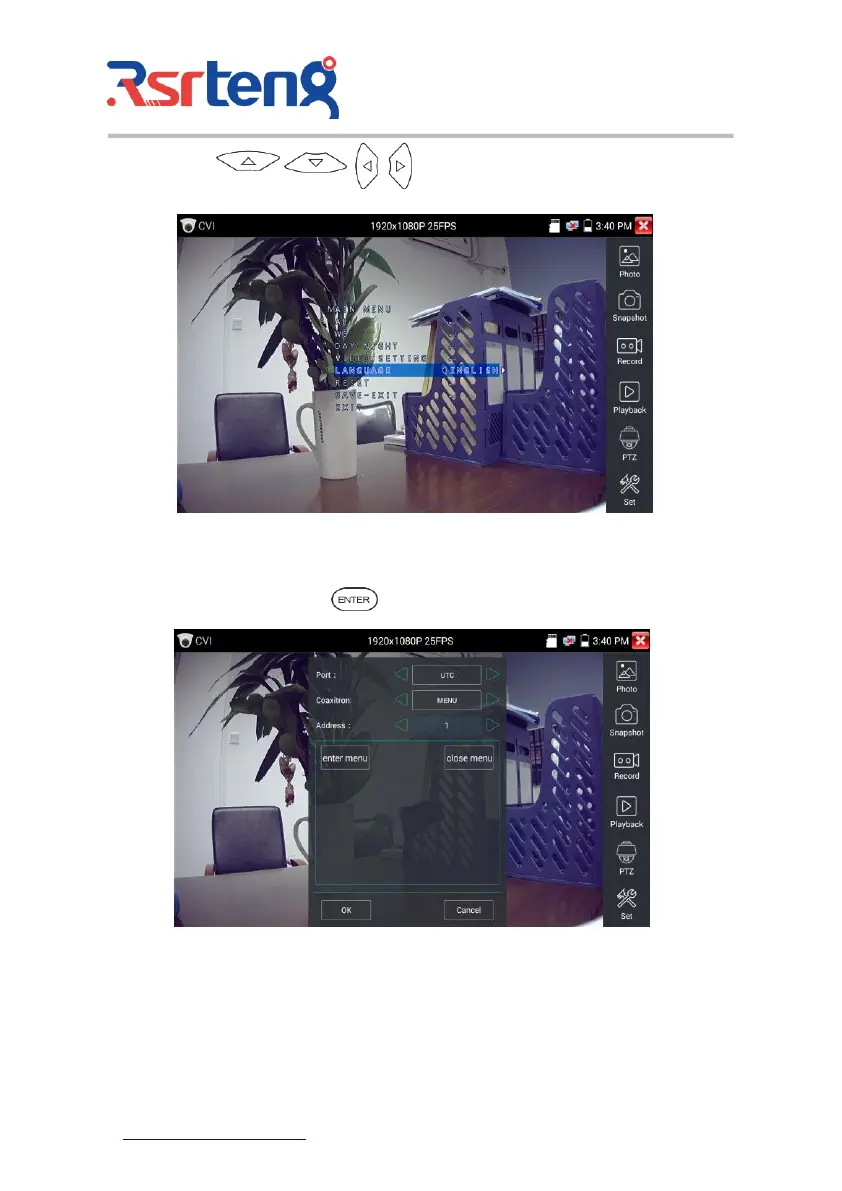
Press arrow keys to set
(3) Snapshot, record, photo viewer and video play back, please refer to "3.3.1 PTZ (1) Video monitor
test".
Tap "close menu" or press the key " " to close camera menu.
(4) Save setting
Click icon "Set" on the right toolbar to enter storage setting.
Support auto-storage and manual storage.



 To Next Page