SECURITY CAMERA User Manual
WWW.RSRTENG.COM Page.58.
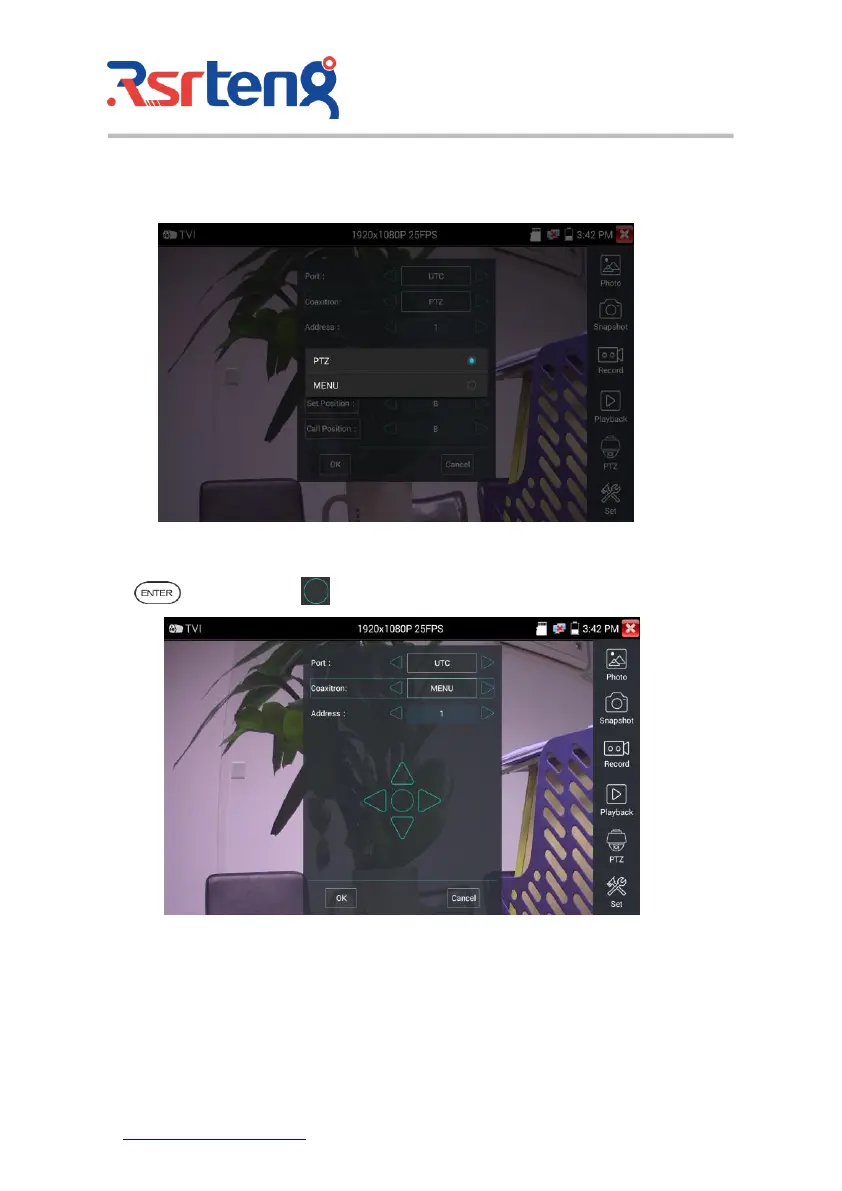
Coaxial camera menu settings
Tap icon "UTC", select "menu setting" to enter the dome camera menu.
Input calling dome camera menu address code, after finishing the parameter settings, you can press the
key or click the icon to call the dome camera menu.
More operation instructions (such as PTZ control, coaxial camera menu setting, snapshot, recording and
playback etc), please refer to "3.3.6 CVI camera test".



 To Next Page