Chapter 1. Welcome
1
Chapter 1. Welcome
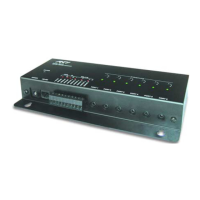
Thank you for using the RP-6 Remote Control Processor. The RP-6 is an advanced
programmable control system that is designed to automate the operation of audio and
video systems such as home theaters. It interfaces with a system’s A/V, lighting, and
other equipment by using addressable IR and RS-232 output ports. In addition, the RP-6
provides relay contact closures and power sensing capabilities. All of the system’s
control commands and sequences of commands (macros) are stored in non-volatile
Flash memory within the RP-6. These commands are executed by IR or RF trigger codes
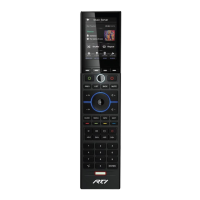
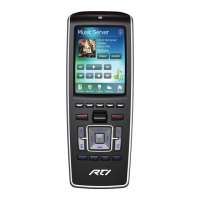
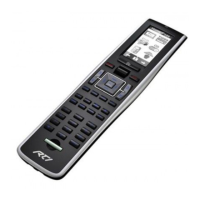
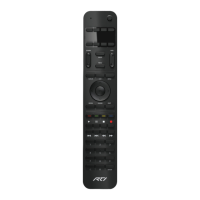
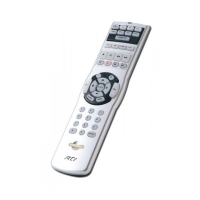
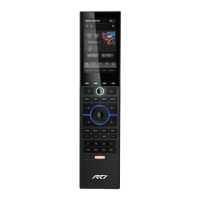
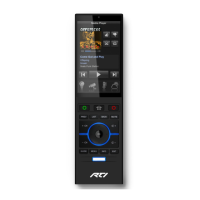
using one of RTI’s remote control interface products. It is also possible to trigger the
stored commands by using third-party remote controls.
The RP-6 is flexible enough to be the perfect control system in a small room with just a
few connected devices, or in a much larger system with dozens of devices integrated
into an affordable, easy to use system.
The RP-6 requires the TheaterTouch Designer™ programming software. This software is
free and can be downloaded from the RTI website (www.rticorp.com).
Before using the RP-6, please read and follow all of the instructions in this guide.
IMPORTANT NOTES
Please read these important notes about the RP-6:
• The RP-6 should be placed in an area where it is around normal room
temperature (between 50°F to 90°F).
• Do not let the RP-6 get wet. It should not be handled with wet hands or placed in
an area where it could get wet.
• Do not subject the RP-6 to smoke, dust, or vibrations.
• Use only the power supply that is provided with the RP-6. Using the wrong type
of power supply may result in permanent damage.
• Do not disassemble the unit. Service and repair should be performed by an
authorized technician only.


 To Next Page