19
Magnifying Live Images
When viewing a live image, you can use continuous zoom magnification between
2x and 14x.
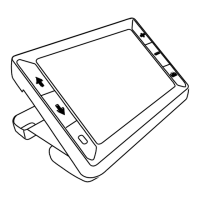
Press and HOLD the yellow PLUS button to zoom in.
Press and HOLD the yellow MINUS button to zoom out.
Magnifying Frozen or Saved Images
You can freeze and then save an image that displays on the LCD screen. When
viewing a frozen or saved image, you can zoom in or out in incremental steps by
pressing the yellow buttons ( or ).
For steps to freeze an image, refer to Freezing an Image on page 26.
To access saved images, refer to Saving and Deleting an Image on page 31.


 To Next Page