24
Resetting Default Color Modes
If you have added or removed color modes that display on the screen, you can
always restore RUBY XL HD to its five default color modes.
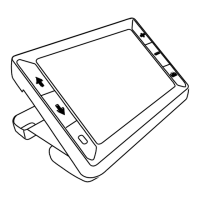
Press and HOLD the green/yellow button and the blue UP arrow button
simultaneously for 15 seconds.
Color Modes
There are five factory default color modes and 15 additional color modes that
you can make active.
Default Color Modes
1. Full Color (always available, cannot be disabled)
2. Black on White – high-contrast positive


 To Next Page