40
Troubleshooting
The unit does not turn on.
Press the green/yellow Power button. If the unit does not turn on,
charge the battery.
Note: The battery does not charge when the unit is connected to a USB
port.
The screen is blank.
If the unit is sitting on a flat surface (a desk or document), the screen is
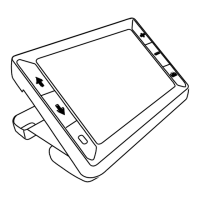
blank (black). Lift the unit off the surface, or open the reading stand.
When the unit is connected to a computer via USB, the screen is blank.
Turn the unit off and then on again.


 To Next Page