36
Transferring Images to a Computer Using the USB Cable
Images stored on RUBY XL HD can be transferred to your computer using the
supplied USB cable. To do this,
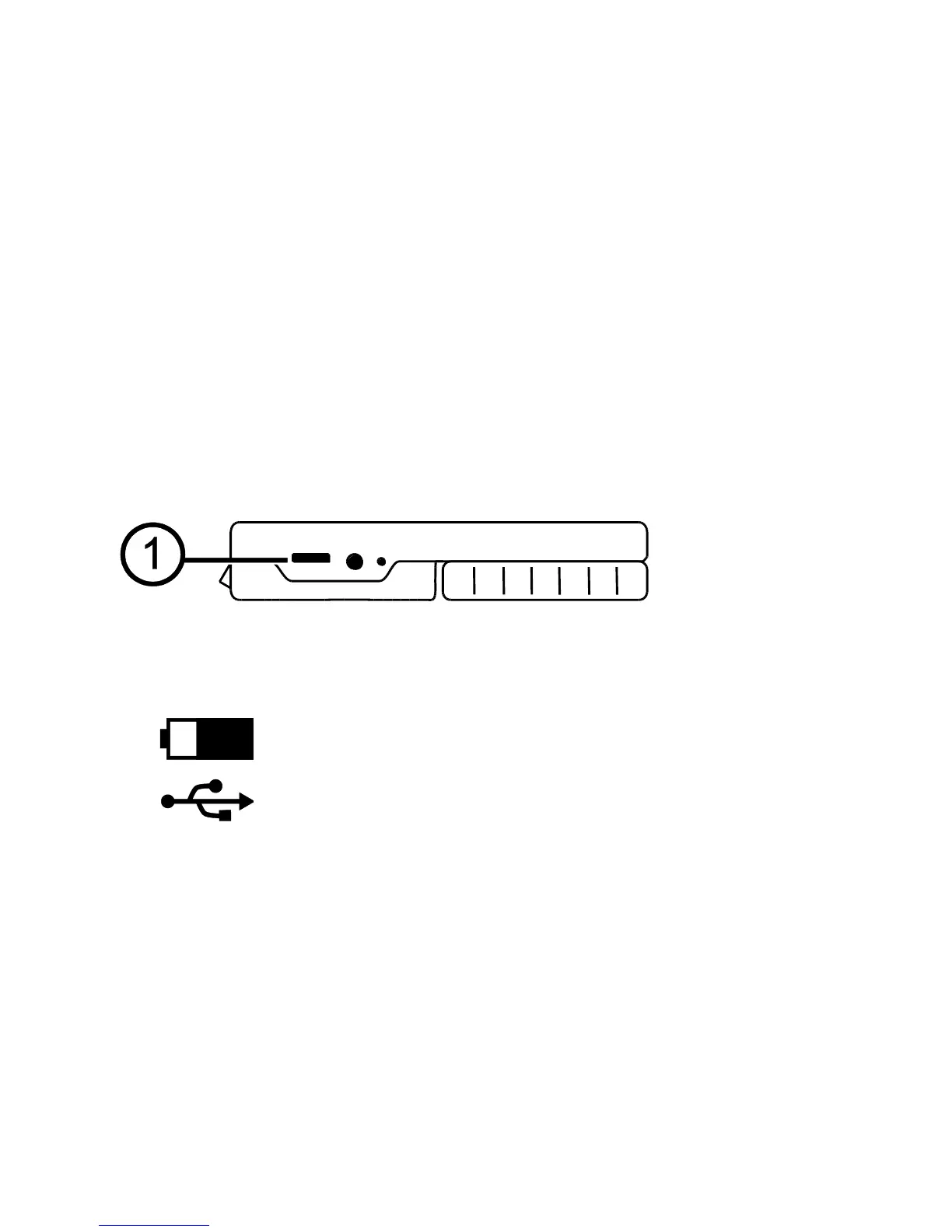
1. Connect the supplied USB cable to the unit (1) and the computer.
2. When connected,
The USB symbol and battery icon briefly display on the LCD screen.


 To Next Page