29
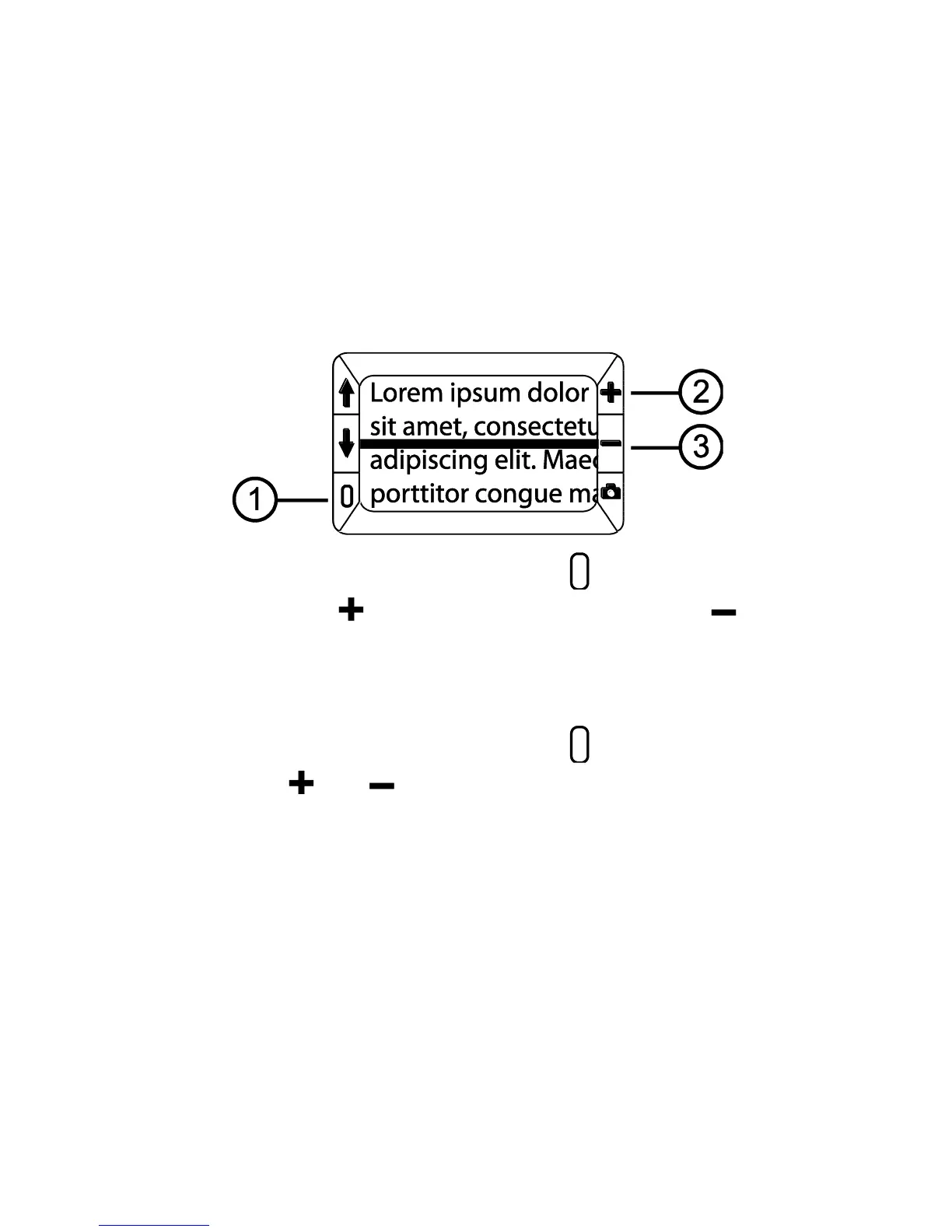
2. Press and HOLD the green/yellow button (1) and then press the
yellow PLUS button (2) or the yellow MINUS button (3) to move
the reading line up or down on the screen.
Displaying Reading Masks
1. Press and HOLD the green/yellow button (1) and then press both
yellow buttons ( and (2 and 3)) again to remove the reading line
and display the reading masks on the screen as shown in the next
figure.


 To Next Page