30
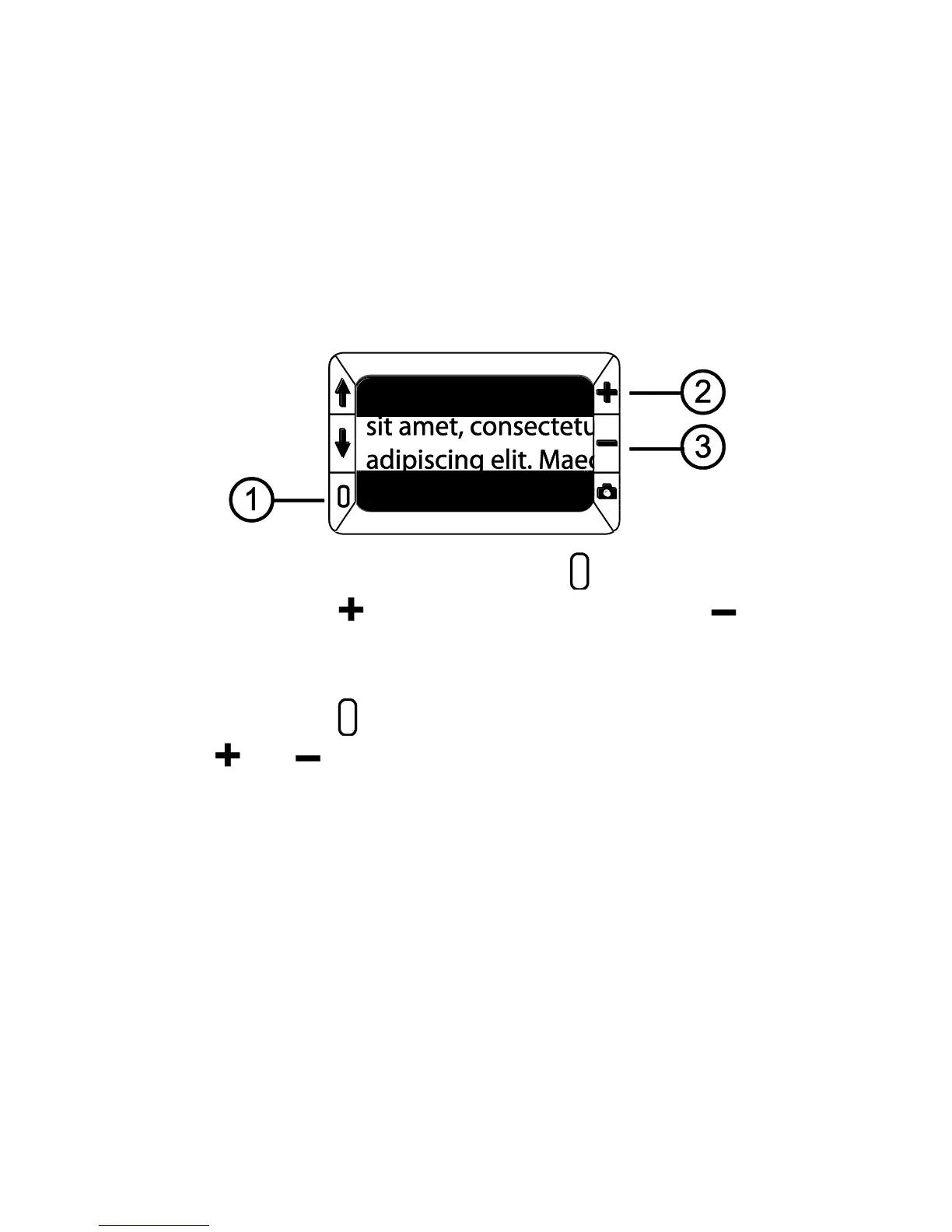
2. Press and HOLD the green/yellow button (1) and then press the
yellow PLUS button (2) or the yellow MINUS button (3) to
increase or decrease the distance between the masks.
3. To remove reading masks from the screen, press and HOLD the
green/yellow button (1) and then press and HOLD both yellow
buttons ( and (2 and 3)).


 To Next Page