F11GIM User Manual
F11 GIM has four intelligent flight modes: Route rules, follow mode, surround mode and gesture
mode. According to the user's shooting needs, the operation can be completed by one click,
which is simple and fast.
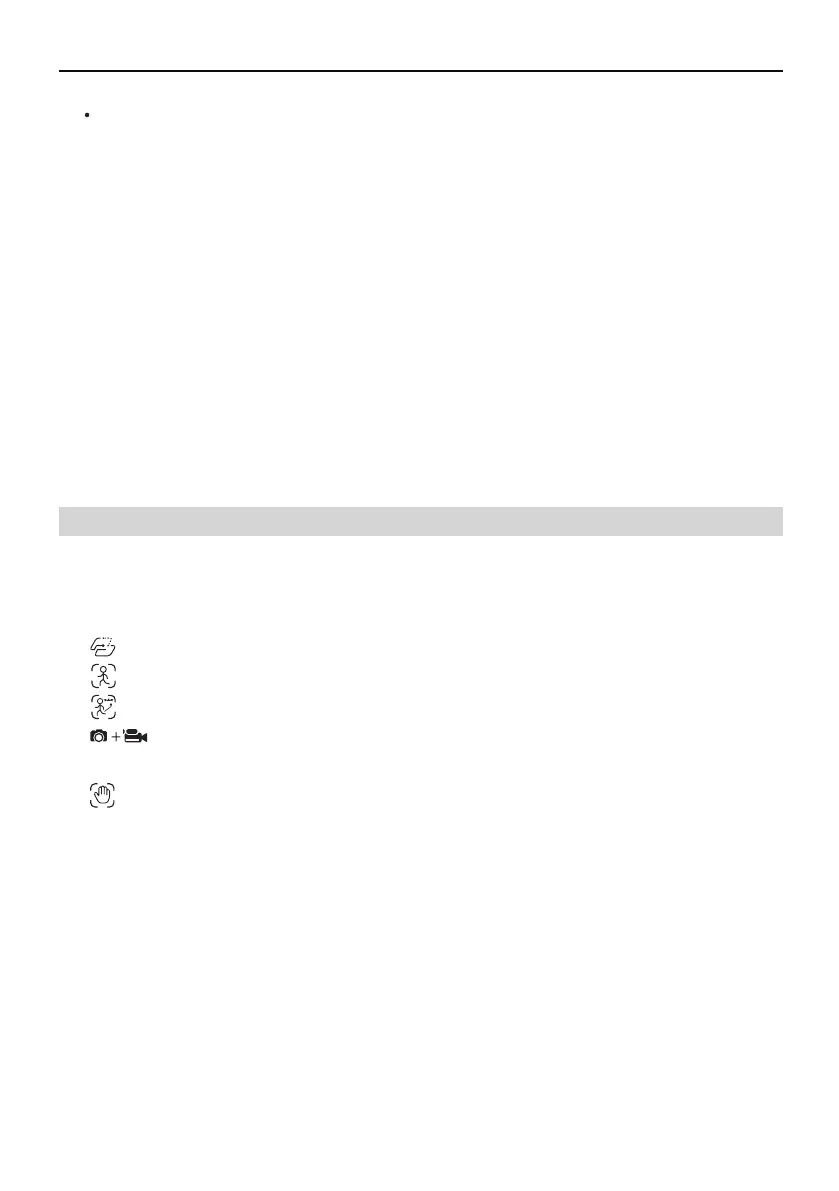
Route rules: Aircraft flies along the path marked on the app.
Image Follow:Aircraft will follow the object's in circle movement to rotate.
Follow Mode: Aircraft will lock onto the user and can track user’s movement as he moves.
Surround Mode: Aircraft orbits around the point already set on the app at a
certain distance.
Gesture Mode: Aircraft takes photos or videos according to the manipulation commands
of different gestures.
Copyright ©2021 Ruko All Rights Reserved. 11
3.4 Intelligent Flight Mode
Lost Signal RTH
When the Transmitter has low battery or is turned off or loses signal for 6 seconds, the
Aircraft will enter the auto-return mode and return to the take-off point. If the signal is
recovered during the return home process, the Aircraft will stop returning and rebind
with the Transmitter signal, and the Transmitter can control the Aircraft again at this
time. Automatic Return to Home process when signal is lost:
Aircraft stores its position when taking off after the GPS signal is successfully received,
and records it as the Home Point;
Trigger RTH (triggered by low battery of Transmitter, signal loss, etc.);
After triggering the Return-to-Home function, the Aircraft adjusts the nose direction and
starts to return home;
The Aircraft automatically flies to the top of the home point, then starts to land, and
completes the home return.
①
②
③
④



 To Next Page