F11GIM User Manual
Copyright ©2021 Ruko All Rights Reserved. 15
3.6 Intelligent Flight Battery
Battery Features
Balance Protection: Automatically balance the internal battery cell voltage to protect
the battery.
Overcharge Protection: Overcharge will seriously damage the battery. When the battery
is full, remove the charger device in time.
Over-discharge Protection: Over-discharge will seriously damage the battery. When the
battery is not used for flight, the battery will automatically discharge to protect the
battery life.
Short Circuit Protection: When the battery detects a short circuit, the output will be cut
off to protect the battery.
Easy Charging: No need for a dedicated power adapter, just Android charger and USB
charging head.
Using the Battery
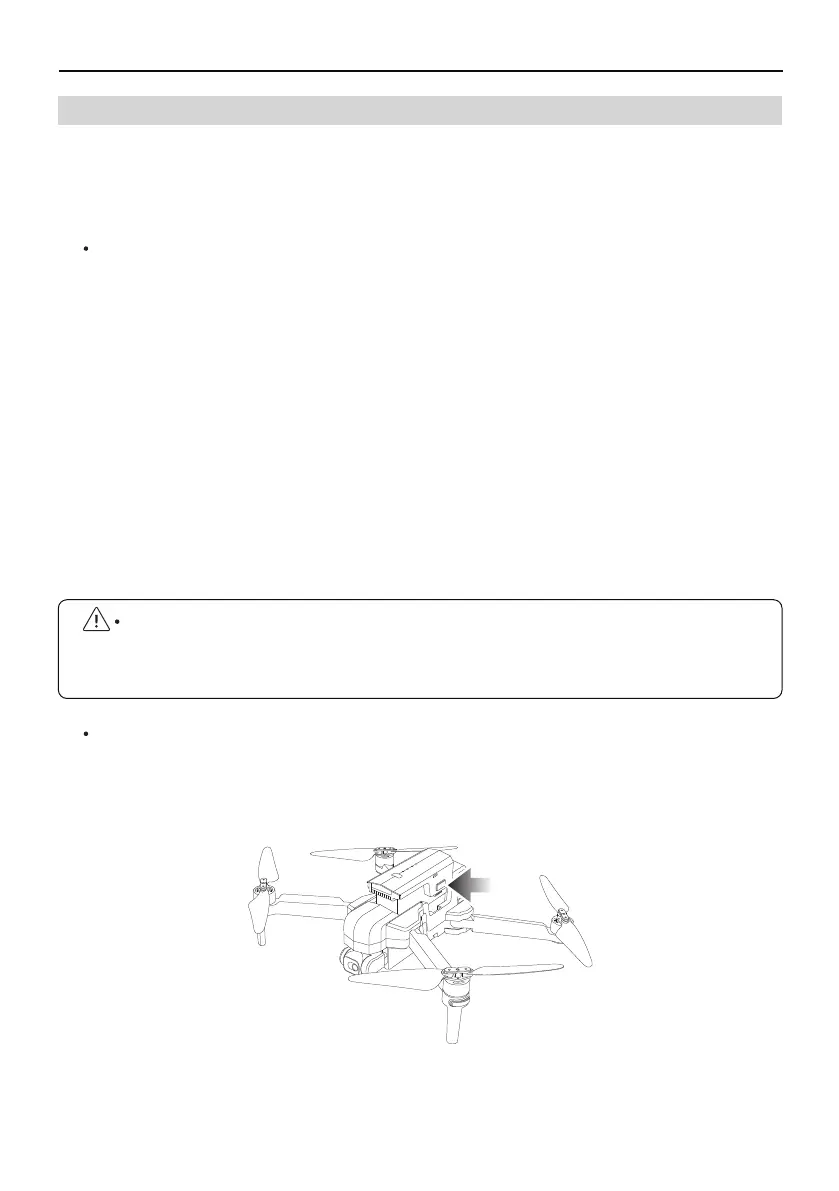
Install the Intelligent Flight Battery into the battery compartment and push it down
until you hear a "click" from the battery buckle, indicating that it pops up and locks.
Make sure the battery is in place.
To remove the battery, press the buckles on both sides of the battery and pull it out of
the battery compartment.
Please read carefully and strictly abide by Ruko's Requirements in this Manual,
Disclaimer and Safety Summary, and stickers on the battery surface before using the
battery. The user shall bear the consequences caused by failure to use it as required.
The F11 GIM intelligent flight battery has a capacity of 2500mAh, a rated voltage of 11.1 V, and
with charge and discharge management functions. This battery uses high-energy and large
-capacity batteries to increase the flight time of the Aircraft.



 To Next Page