Method 2:Press the land button on the app, the drone will land directly.
Method 3:Keep pulling Throttle Joystick down until the drone lands and motors stop.
Copyright ©2021 Ruko All Rights Reserved.
37
F11GIM User Manual
Landing
After the Aircraft takes off, users can choose to use the landing function:
Method 1:Press the RTH button , drone will return to the Home Point. Pleas e refer to
user manual (page 7 ) for more details.
It is recommended to fly in an open space with a diameter of 10 meters without
interference;
The flying height must be higher than ground obstacles to avoid collision;
It is recommended that the flight altitude be greater than 15 meters to avoid other signal
interference from the ground.
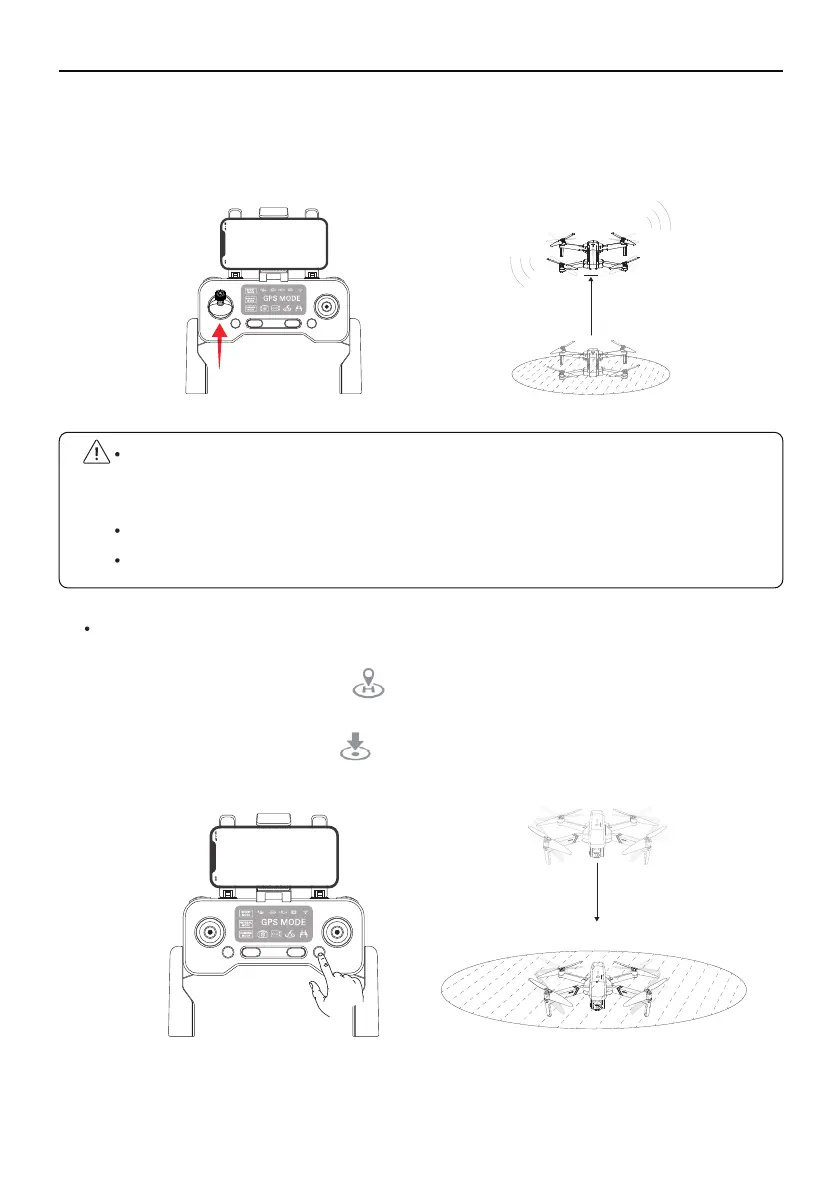
Method 2: Start the motor after confirming the safe take-off conditions.
Push the left joystick to 12 o’clock position to take off.
The Aircraft will take off under your control.
③
①
②
4ft



 To Next Page