16 RUSH Wizard User Manual
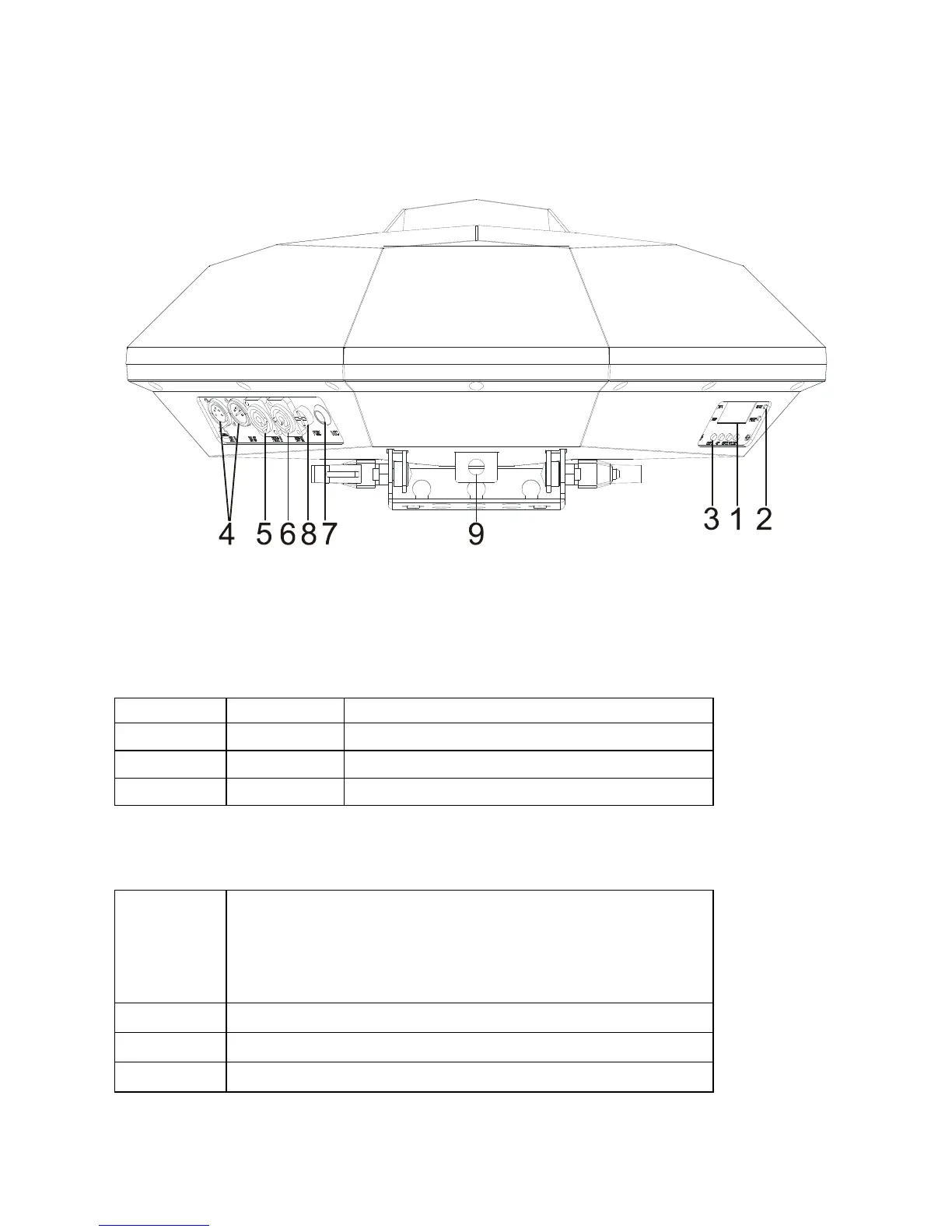
Fixture overview
1 - Display
2 – Status LEDs
The fixture has four LEDs on the rear of the fixture:
DMX On DMX input present
MASTER On Master mode
SLAVE On Slave mode
SOUND Flashing Sound activation (music trig)
3 - Buttons
MENU
• Activate the menu mode functions, or
• Return to the previous level of the menu
structure, or
• Press and hold to exit menus completely
DOWN Go down a menu branch
UP Go up a menu branch
ENTER Confirm the selected function



 To Next Page