Installation
17
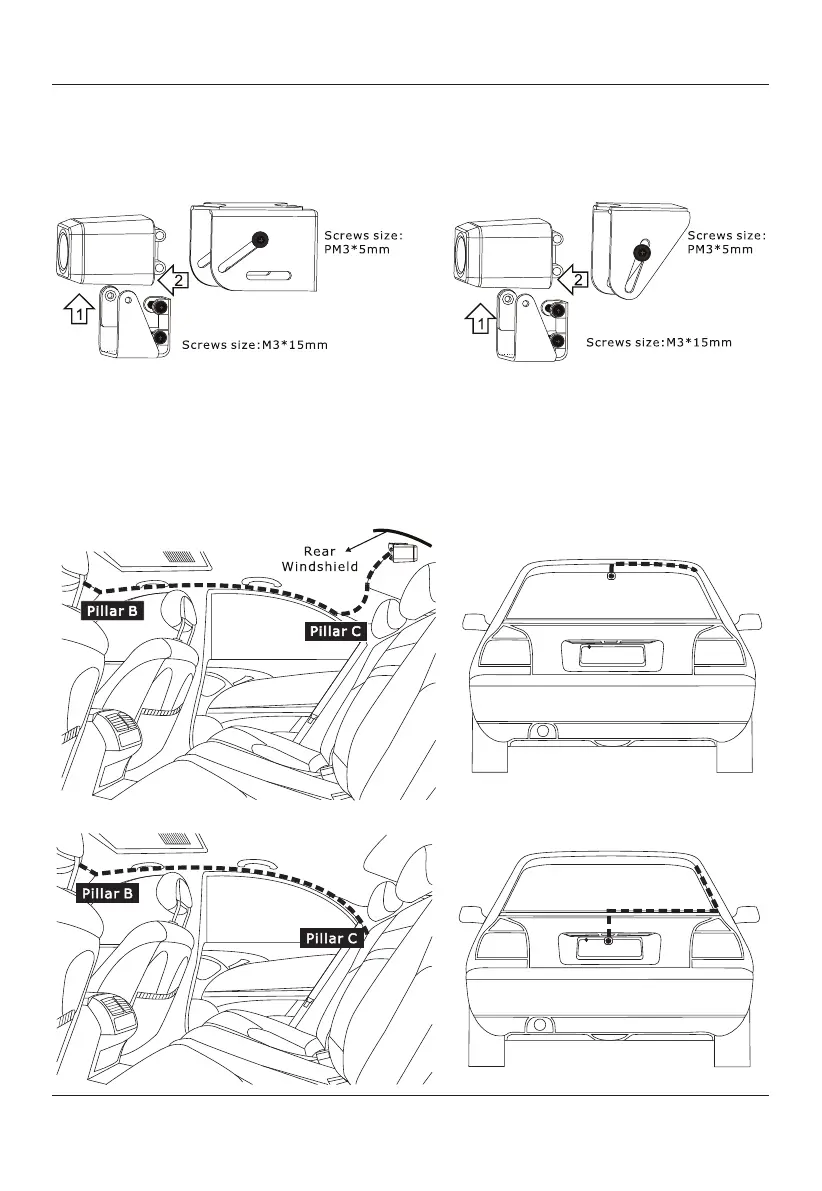
First, remove the Wing mount. Then, use the screws provided to secure the bracket
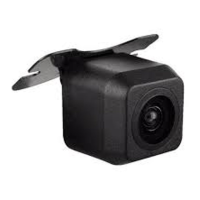
3) Backup camera assembly mount assembly, choose between the two different
brackets options below.
Box Shape Camera Bracket U-Shape Camera Bracket
4)
with the rubber spacer to the backup camera as shown. Select between the Box
Shape Camera Bracket or U-Shape Camera Bracket with a rubber spacer using the
Screws provided according to the picture and adjust the angle.
Backup Camera Installation Position Option Diagram
Rear windshield mounting location (Interior Top Mounted)
Above license plate mounting location (Exterior Mounted)


 To Next Page