Driving and operating 167
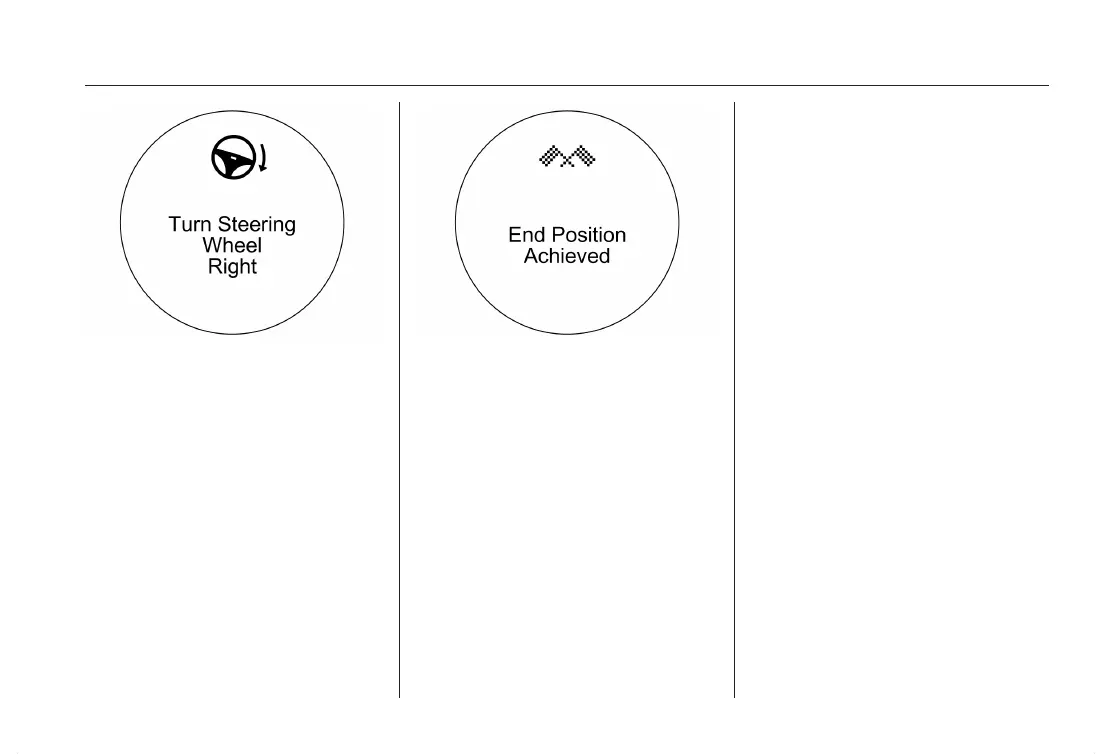
The instructions show:
■ a hint when driving faster than
19 mph,
■ the demand to stop the vehicle,
when a parking slot is detected,
■ the direction of driving during the
parking maneuver,
■ the steering wheel position during
parking,
■ for some of the instructions a pro‐
gress bar is shown.
A successful parking maneuver is in‐
dicated by the target symbol.
If the driver does not stop the vehicle
within 33 ft after a parking slot is pro‐
posed, the system starts to search for
another suitable parking slot.
Changing the parking side
The system is configured to detect
parking slots on the passenger side.
To detect parking slots on the driver
side, push button ( for approx.
2 seconds.
Display priorities
After activating the advanced parking
aid, an information appears on the
Driver Information Center (DIC). Indi‐
cation of messages with higher prior‐
ity like Vehicle Messages 3 115 will
be displayed. After approving the
message by pressing the SET/CLR
button, parking aid messages appear
again and parking can be continued.
Deactivation
The system is deactivated by:
■ pushing the ( button
■ parking maneuver successfully
ended
■ driving faster than 19 mph
■ switching off the ignition
Deactivation by the driver or by the
system during maneuvering will be in‐
dicated by Parking Deactivated in the
Driver Information Center (DIC).
Fault
A message appears in the Driver In‐
formation Center (DIC) when:
■ there is a fault in the system
■ the driver did not successfully com‐
plete the parking maneuver
■ the system is not operative












 To Next Page