Instruments and controls 117
Trip computer
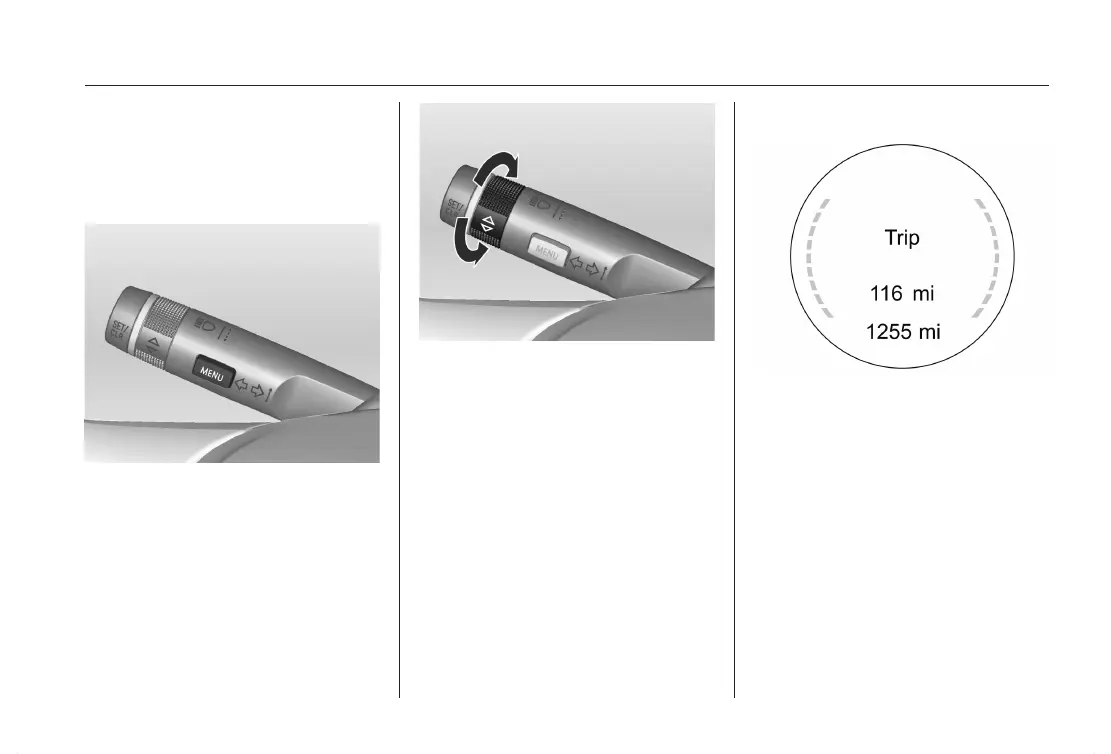
The menus and functions can be se‐
lected via the buttons on the turn sig‐
nal lever.
Press the MENU button to select the
Trip/Fuel Information Menu.
Turn the adjuster wheel to select
a submenu.
Follow the instructions in the subme‐
nus:
Speed
Display of the current digital speed in
the chosen unit.
Trip odometer
Displays the recorded distance since
the last reset.
To reset, press the SET/CLR button
for a few seconds.












 To Next Page