3
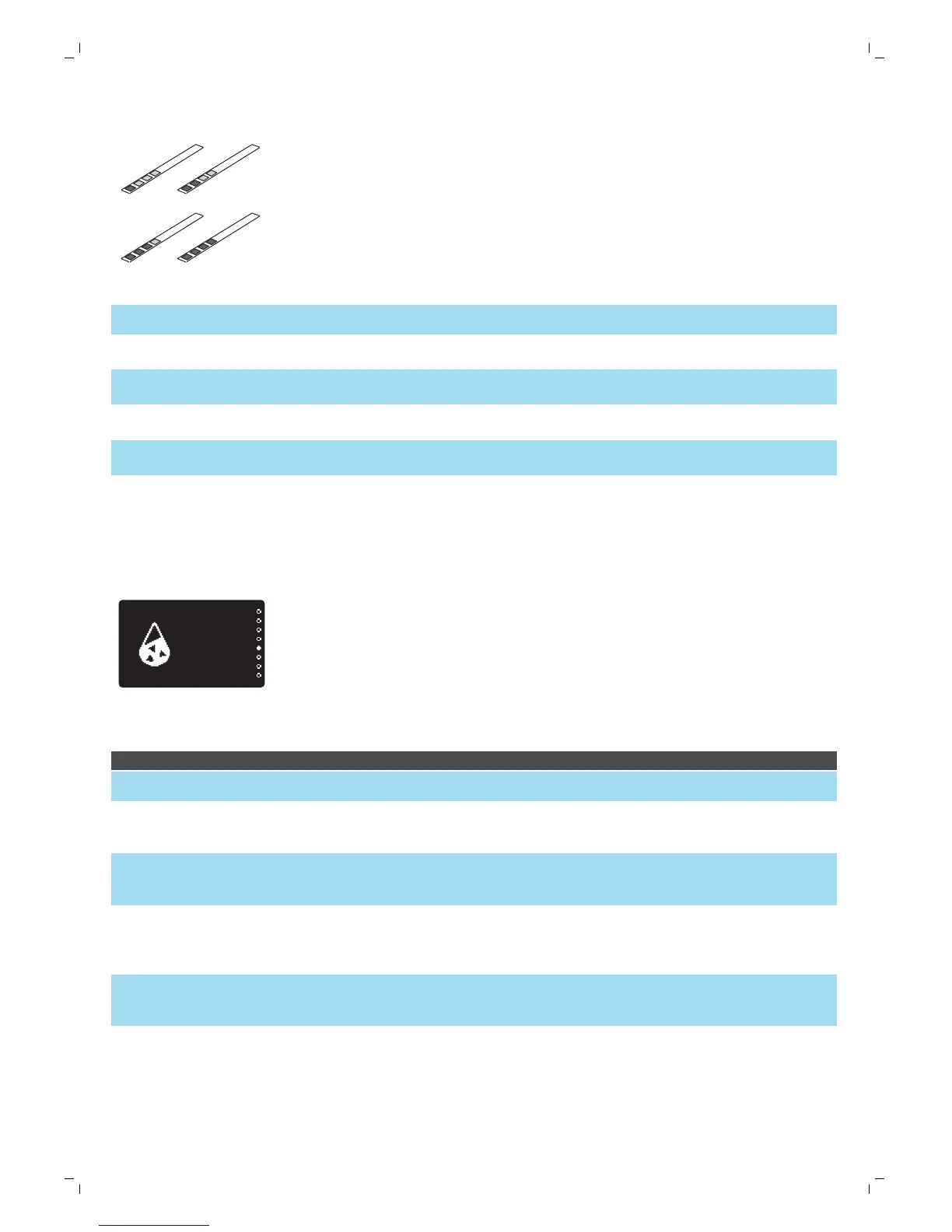
Check how many squares have changed into the red colour and check the
water hardness in below table.
numbers of red squares value to be set water hardness
1 1 very soft water
2 2 soft water
3 3 hard water
4 4 very hard water
Setting the water hardness
1
To set the water hardness, press the MENU/SPECIAL DRINKS button,
select menu and scroll to select water hardness.
2
Press the OK button and select the water hardness in your area.
3
Press the OK button to confirm.
Beverage types and lengths
Beverage name Description How to select
Espresso Coffee with thick crema served
in a small cup
Programmable button on control
panel
Ristretto Shorter espresso with a thick
crema served in a small cup
Special Drinks menu
Espresso Lungo A longer espresso with thick
crema served in a medium-sized
cup
Programmable button on control
panel
Caffè Crema Long espresso with a light crema
served in a large cup
Programmable button on control
panel
Espresso Double Double espresso with thick
crema served in a medium-sized
cup
Special Drinks menu
16
English




 To Next Page