MAGIC 5. SERVICE PROGRAMME
Saeco International Group REV.5 SEPT.2004 Page 1/24
1. Service programme Magic Roma / Magic Roma Redesign (RD)
1.1. Test mode
Access: Access the test mode by turning on the machine and simultaneously pressing the coffee and
steam buttons.
Various test functions can be activated in the service mode by activating either the coffee or steam
buttons in conjunction with various coffee quantity settings.
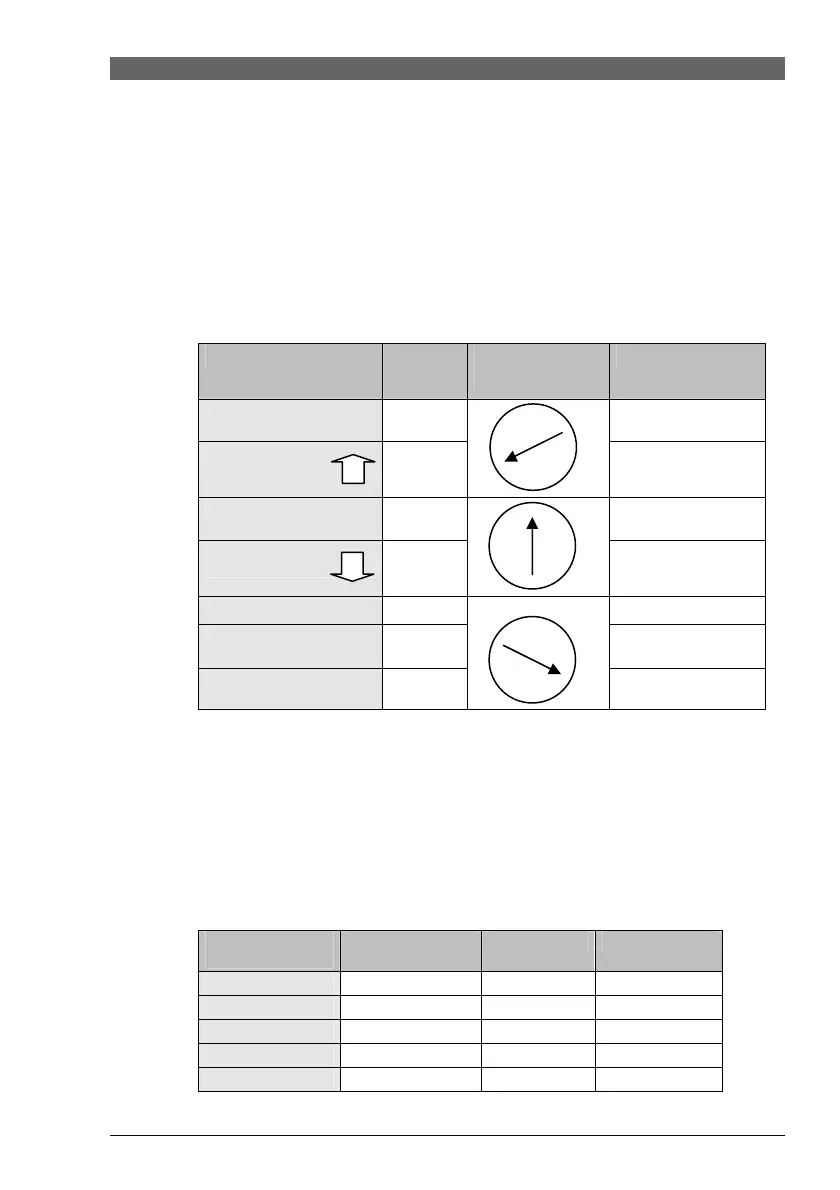
Programme table
Function
Button
Control
setting
LED Indicator
Coffee
Fault LED
(flow meter pulses)
Brewing unit
(Gearmotor)
Steam
Coffee LED
Gear switch
Heating
Coffee
Brewing unit
(Gearmotor)
Steam
Coffee LED
Gear switch
Dosing magnet
Coffee
Steam
Steam LED
Doser full
HWS microswitch
Steam LED
* The HWS valve must be open..
The current boiler temperature can be read in service mode by pressing the coffee and steam buttons at
the same time.
Each combination of LEDs provides an indication on the current boiler temperature
(see table below).
Temperature table
Temperature
status
Coffee LED
Steam LED
Fault LED
T ≤ 94ºC
X
T = 95ºC
X X
T = 96ºC
X
T = 97ºC
X X
T ≥ 98ºC
X










 To Next Page