© Safe Fleet | September 2019 | All rights reserved
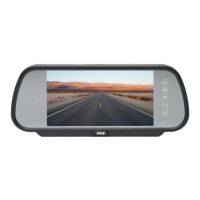
SSV9 Installation and Setup Guide
18
R2
System Conguration
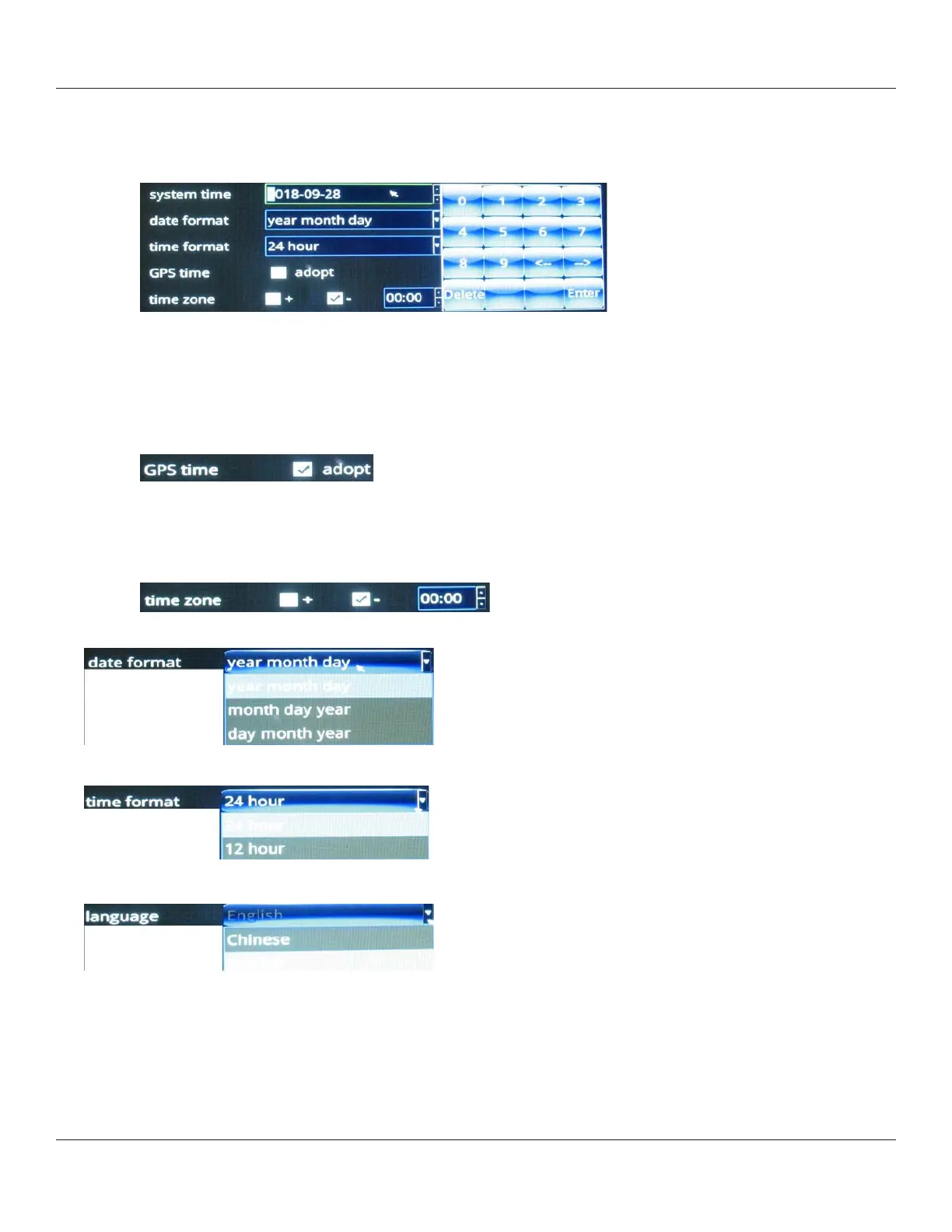
3. You can set the date and time manually or automatically.
• To set date and time manually:
i. Touch their respective elds to display the numeric keypad.
ii. Use the keypad to specify new values; use the arrow keys to move the cursor position forward and backward.
iii. Select Enter when done.
• To set date and time automatically using UTC time (Coordinated Universal Time, formerly Greenwich Mean Time,
or GMT) reported by the GPS:
i. Select the GPS time adopt check box.
The time on the device is coordinated with UTC time.
ii. To display local time for your current time zone, you must use the plus or minus check boxes and the hours/
minutes numeric menu to specify the deviation from UTC.
For example: USA Eastern time is either UTC -5 or UTC -4, depending whether DST is in eect.
4. Choose a date format.
5. Select a time format.
6. Select a language.
7. To save your changes, press the Save button.



 To Next Page