© Safe Fleet | September 2019 | All rights reserved
SSV9 Installation and Setup Guide
39
R2
System Information, Disk and File Management
3. Select each item you wish to back up, pressing Add for each selection.
4. Select Backup.
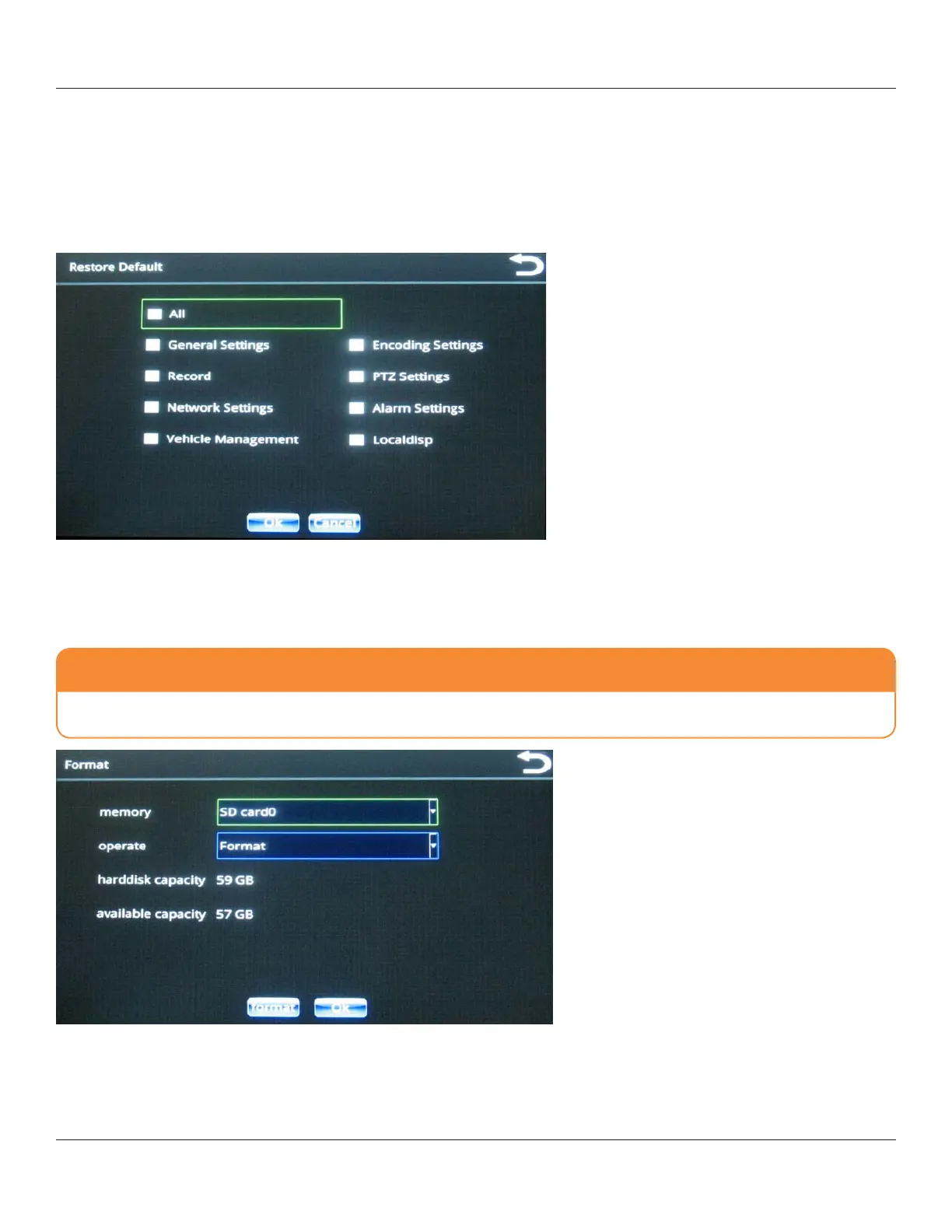
Restore Default
The Restore Default menu enables you to restore various system conguration settings to their default values.
Use the check boxes to make your selection(s), and then press OK
.
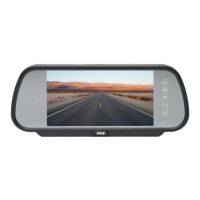
Format
CAUTION: Prevent data loss
Formatting will erase the entire contents of your SD card(s). Exercise caution when using this option!



 To Next Page