© Safe Fleet | September 2019 | All rights reserved
SSV9 Installation and Setup Guide
26
R2
System Conguration
Copying Your Alarm Settings to Other Channels
To copy your settings from one channel to one or more of the other ones:
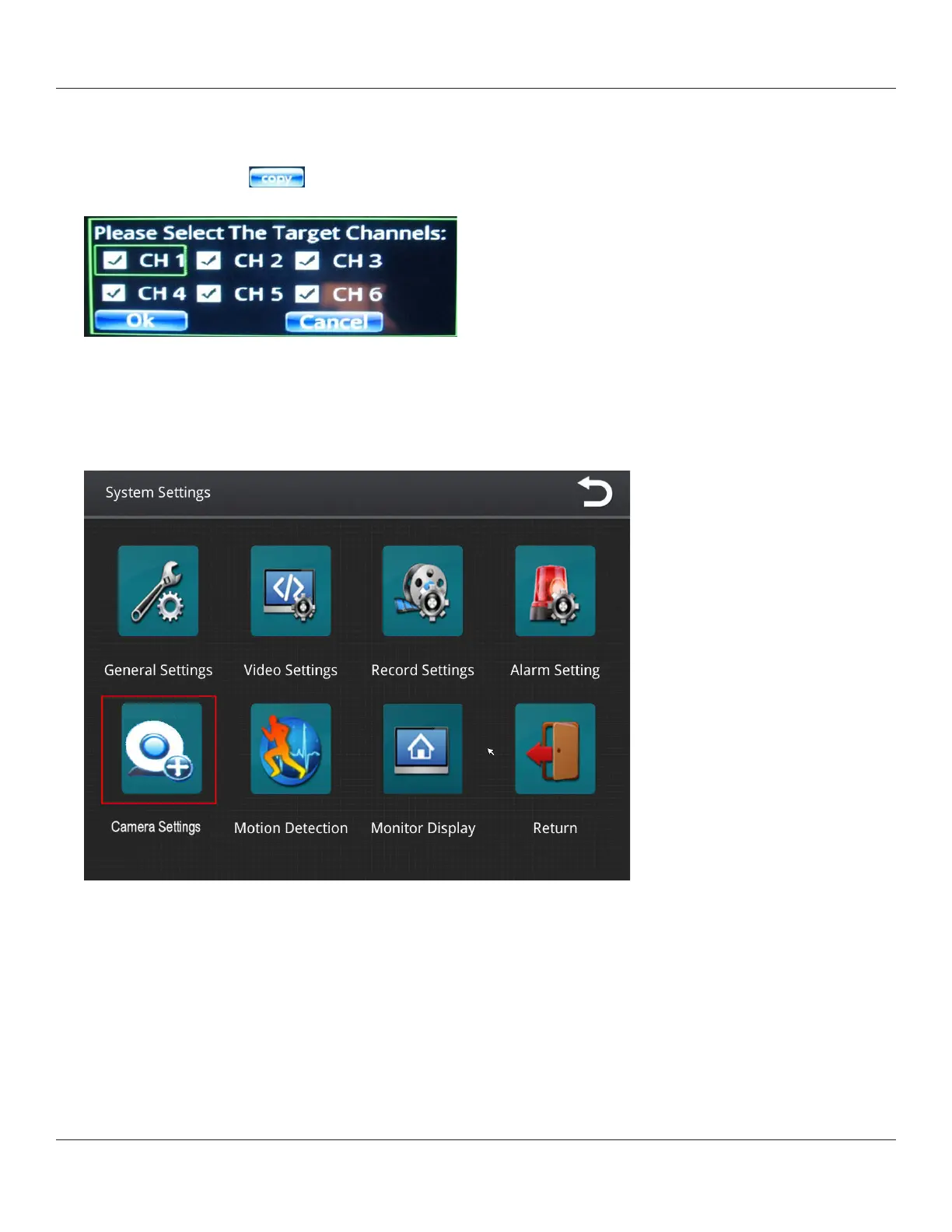
1. Press the Copy button.
A dialog displays prompting you for target channel(s).
2. Select your target channels, and then press Ok.
Specifying Camera Settings
1. From the System Settings menu, select Camera Settings.



 To Next Page