© Safe Fleet | September 2019 | All rights reserved
SSV9 Installation and Setup Guide
20
R2
System Conguration
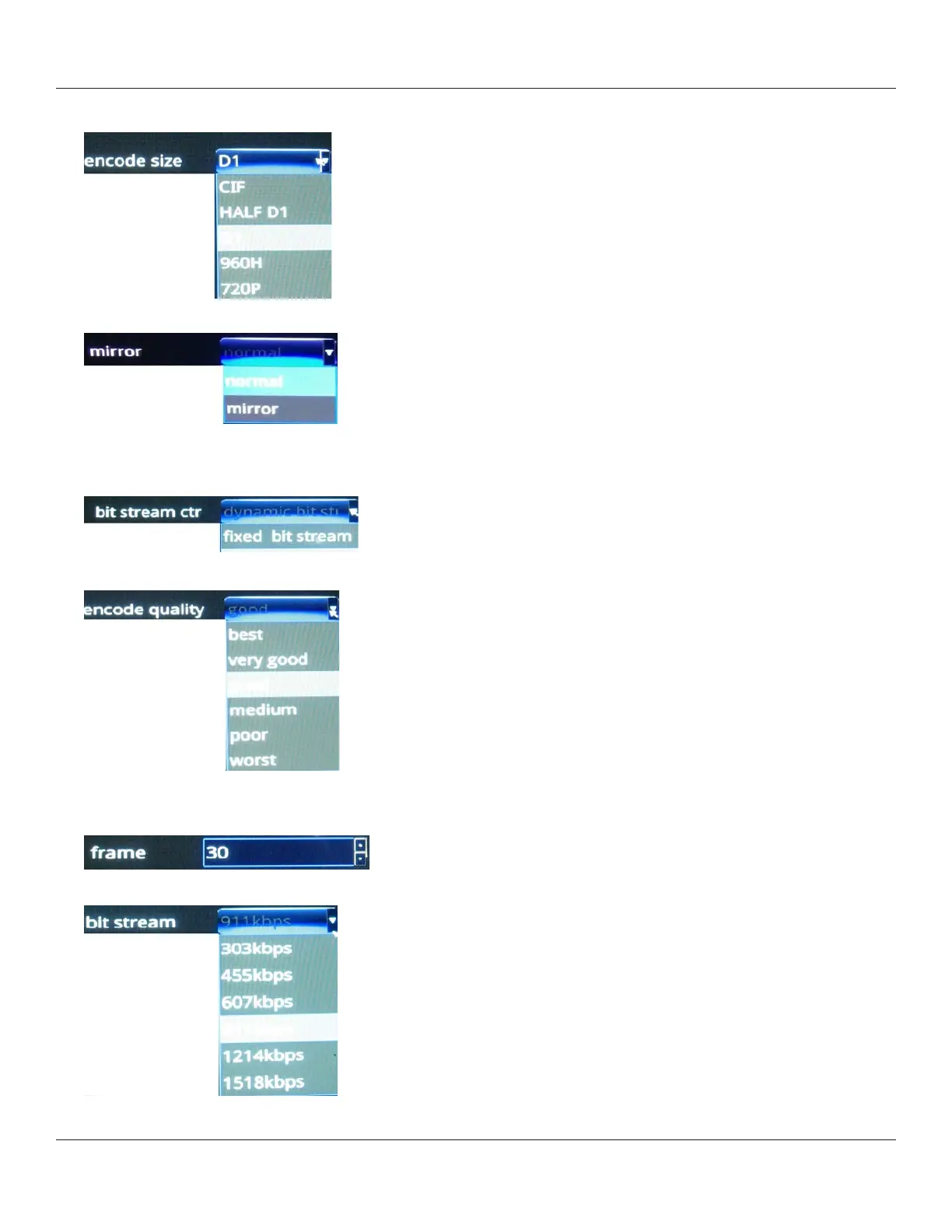
2. Set the video encoding size, which determines the level of video compression.
3. Select a view option from the mirror menu (normal or mirror).
4. Choose a type of bit stream, either xed or dynamic, according to your requirements.
Dynamic can be used to adapt to changing network conditions in order to provide playback with fewer stalls and/or
re-buering.
5. Select video encoding quality.
6. Select the frame rate—number of frames per second (fps).
Generally, the higher the FPS, the smoother the motion appears.
7. Set the bit stream rate.



 To Next Page