© Safe Fleet | September 2019 | All rights reserved
SSV9 Installation and Setup Guide
36
R2
User Management
3. Select a user name from the list.
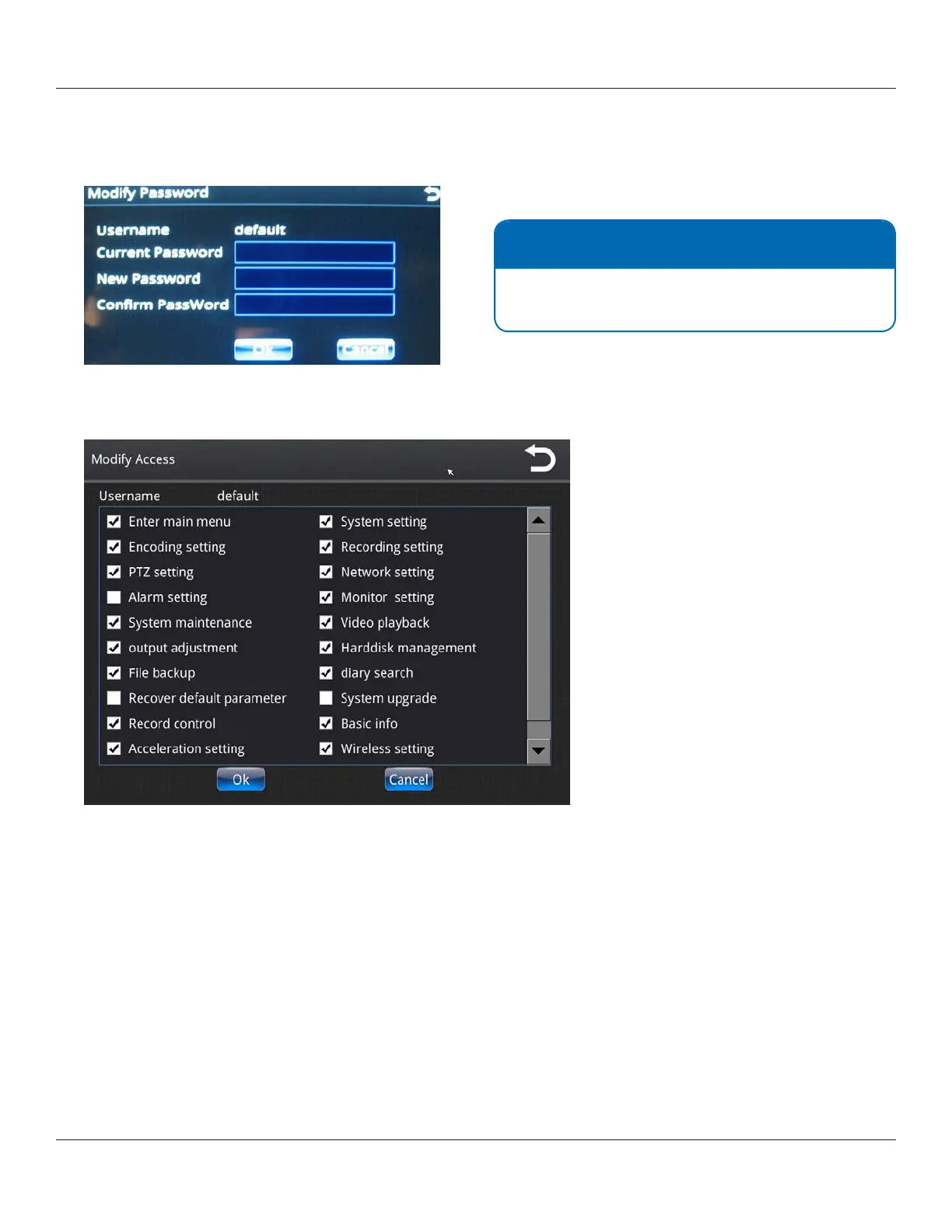
4. To modify or create a password, select Modify Password.
Make your required changes, and then select Ok.
5. To modify access privileges (for Default account only), select Modify Access.
6. Make your required changes, and then select Ok.
NOTE: Default password
The SSV9 is congured before shipping with the
default password 456789.



 To Next Page