10
SafeLine Pro
ProLink
1 2 3
4
5 6
7
8 9
0
*
#
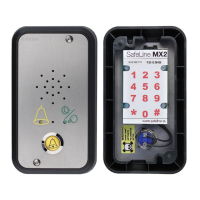
SafeLine MX2 v.5.2.1 EN
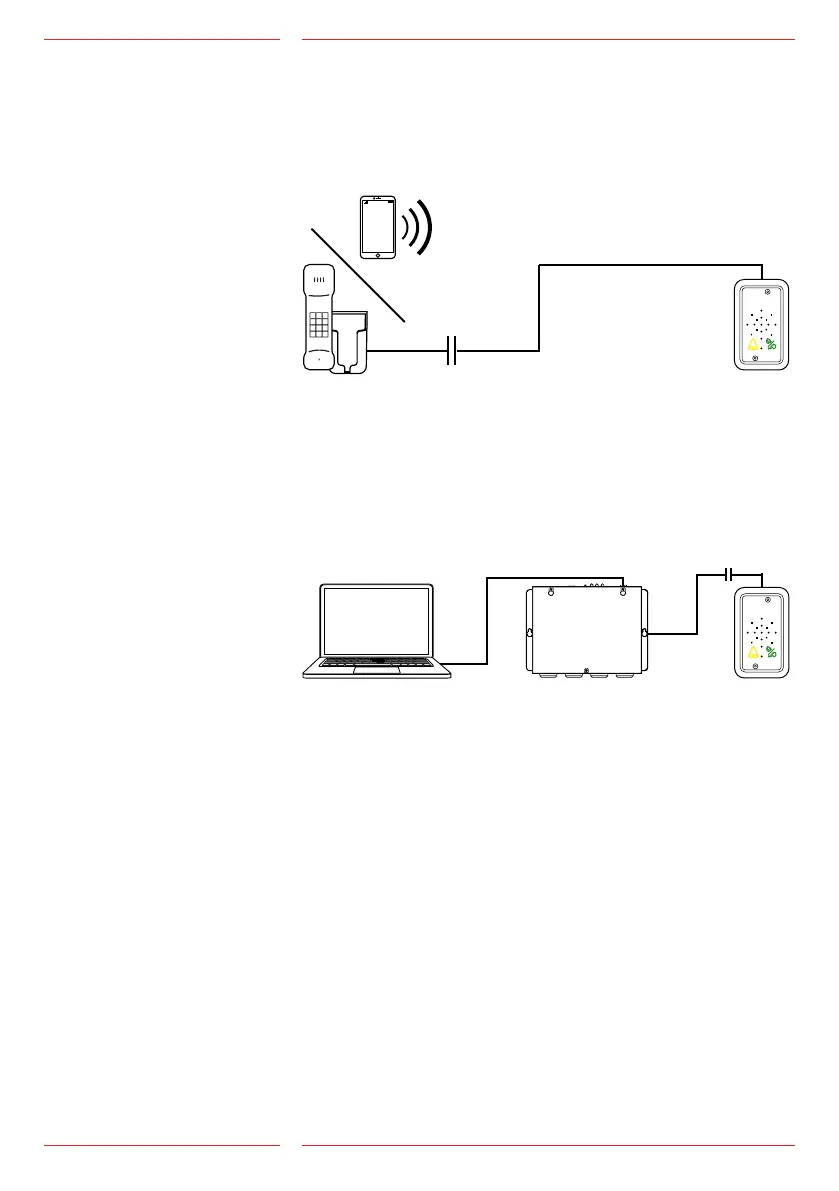
Remoteconguration
For remote conguration, you can use any PSTN tone dial phone.
Dial the phone number of the SafeLine. Enter the function codes on
the phone keypad to start conguration (password has to be
entered).
RemotecongurationwithSafeLinePro
Connect an SLPro Link to a computer with SafeLine Pro and a serial
cable.
SafeLine Pro can be downloaded on our website:
http://www.SafeLine-group.com/en/downloads/
SafeLine Pro 4.42 or later is required.
Conguration
overviews
The unit has to be
connected to a power
sourcebeforethecongu-
ration can begin.


 To Next Page