- 6 -
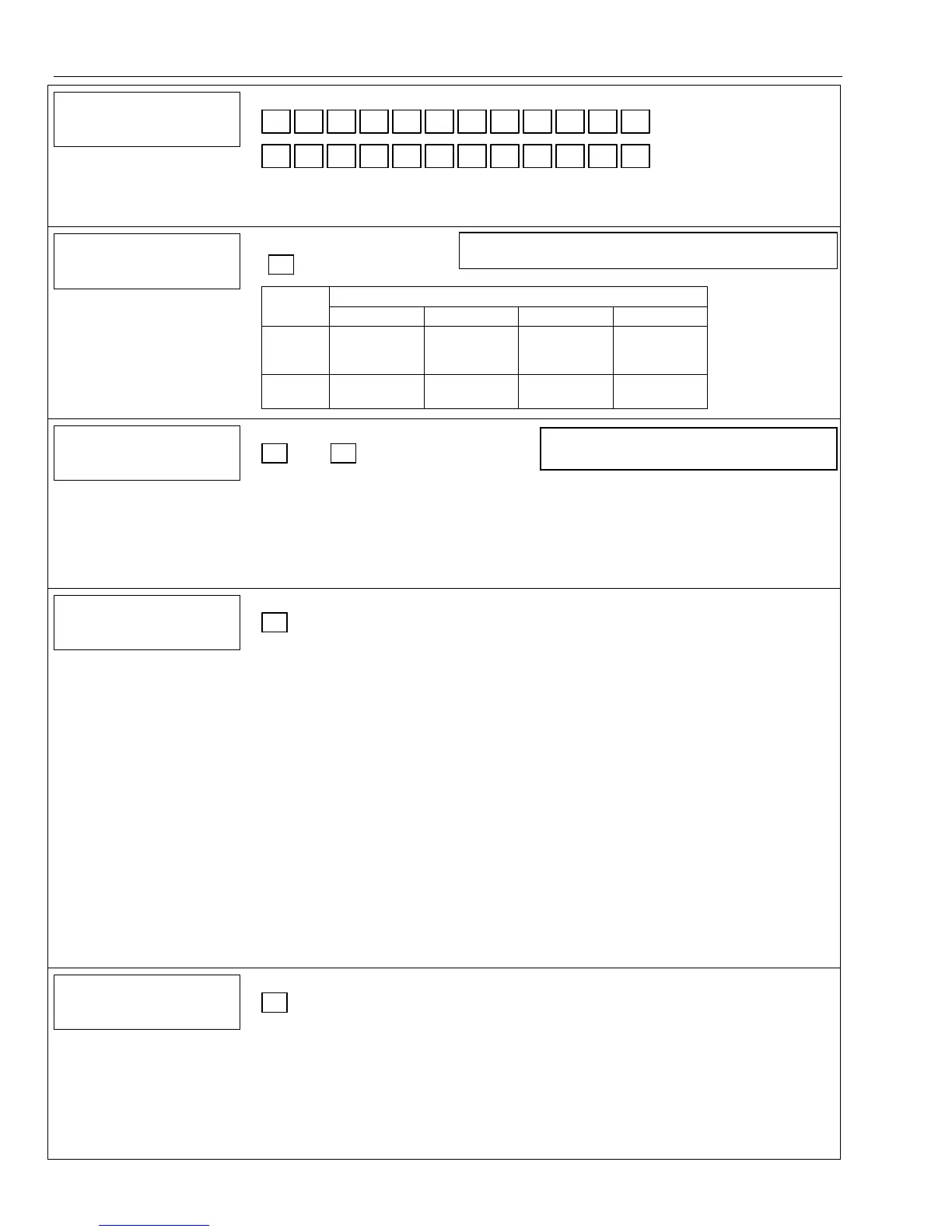
Data Field Display Function& Programming Options [ ] = Programmed Table 1 Default Values
46
4646
46
FOLLOW ME PHONE
FOLLOW ME PHONEFOLLOW ME PHONE
FOLLOW ME PHONE
#
“Follow Me” Reminder Phone Number
Enter up to 24 digits; Do not fill unused spaces. If fewer than 24 digits entered, pressing ✻
advances to the next field. To clear entries from field, press ✻46✻.
Enter 0-9, #+11 for ‘✻’; #+12 for ‘#’; #+13 for a pause (two seconds).
47
4747
47
PHONE SYS SELECT
PHONE SYS SELECTPHONE SYS SELECT
PHONE SYS SELECT
Phone System Select
† [5]
Central
Mode
Station Pulse Tone Pulse Tone
No WATS 0 = No Speaker
Phone
1 = No
Speaker Phone
4 = With
Speaker
Phone
5 = With
Speaker Phone
WATS 2 = No Speaker
Phone
3 = No
Speaker Phone
6 = With
Speaker Phone
7 = With
Speaker Phone
48
4848
48
REP FRMT PRI/
REP FRMT PRI/REP FRMT PRI/
REP FRMT PRI/SEC
SECSEC
SEC
Report Format for Primary/Secondary
[7, 7]
Primary Secondary
0 = 3+1, 4+1 ADEMCO L/S STANDARD
1 = 3+1, 4+1 RADIONICS STANDARD
2 = 4+2 ADEMCO L/S STANDARD
3 = 4+2 RADIONICS STANDARD
5 = ADEMCO CONTACT ID® REPORTING
WITH 10-DIGIT SUBS ACCT NO.
6 or undefined = 4+2 ADEMCO EXPRESS
7 = ADEMCO CONTACT ID® REPORTING
WITH 4-DIGIT SUBS ACCT NO.
8 = 3+1, 4+1 ADEMCO L/S EXPANDED
9 = 3+1, 4+1 RADIONICS EXPANDED
49
4949
49
SPLIT/DUAL
SPLIT/DUAL SPLIT/DUAL
SPLIT/DUAL
REP
REPREP
REP
Split/Dual Reporting
[0]
To Primary Phone No.
0 = All reports
1 = Alarms, Restore, Cancel
2 = All except Open/Close, Test
3 = Alarms, Restore, Cancel
4 = All except Open/Close, Test
5 = All
To Primary Phone No.
6 = All reports except Open/Close
7 = All reports
8 = All reports
9 = All reports except Open/Close
To Primary Phone No.
10 = All except Open/Close
11 = All reports
12 = All reports
13 = All except Open/Close
To Secondary Phone No.
None, unless primary fails, then all
Others
Open/Close, Test
All
All
All
To Paging Number
Alarms, Open/Close‡, Troubles
Alarms, Troubles
Alarms, Open/Close‡, Troubles
Alarms, Troubles
To Follow Me System Phone Number)
Alarms, Open/Close‡, Troubles
Alarms, Troubles
Alarms, Open/Close‡, Troubles
Open/Close‡
‡ Will report users 0, 5-8 or wireless arm/disarm button zones 26-33; all other zones and users do not
report.
50
5050
50
ABORT WINDOW
ABORT WINDOWABORT WINDOW
ABORT WINDOW
Burglary Abort Window
† [2]
1 = 15-second abort window
2 = 30-second abort window
3 = 45-second abort window
SIA The sum of the burglary abort window entered in ✻50 and the entry delays entered in either Field
✻35 or ✻36 should not exceed 1 minute.
Note: The control validates the data entered in this field. If the selection is not valid the control emits a
single long beep indicating that the selection has been rejected. The control replaces the selection
with the default value “2”, which is displayed on the keypad, and advances to the next field.
Note: If you are using Pulse (rotary) Dialing, you must enter the
numbers slowly to allow the pulse dialer time to operate.
Note: Option 5 or 7 (ADEMCO Contact ID®)
must be selected for AAV.


 To Next Page