EasyManua.ls Logo

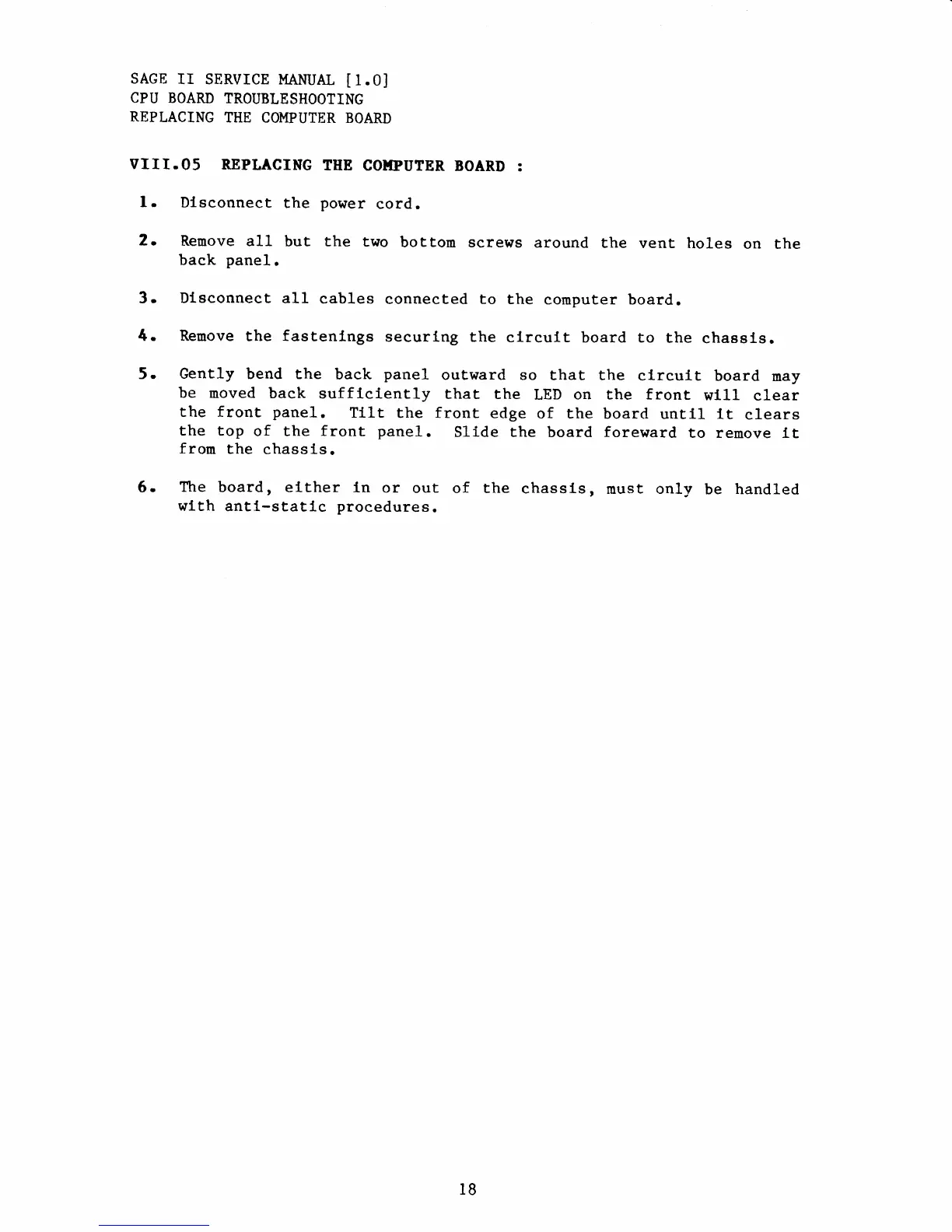
Sage II - Replacing the Computer Board

Sage II
115 pages
Print Icon
To Next Page IconTo Next Page
To Previous Page IconTo Previous Page
Loading...
SAGE
Ir SERVICE
MANUAL
[1.0J
CPU BOARD
TROUBLESHOOTING
REPLACING
TITE
COMPUTER
BOARD
VIII.OS
REPLACING
THB
CO}IPUTER
BOARD
:
l.
Dlsconnect
the
power
cord.
2.
Remove
all but the
two
bottom screws
around
the
vent
holes
on the
back
panel.
3.
Dl-sconnect
all
cables
connected to
the
computer
board.
4. Remove
the
fastenlngs
securlng
the
circult board to
the
chassls.
5.
Gently
bend the
back
panel
outward
so that the
clrcuit
board
may
be moved
back sufflciently
that the
LED on the front
w111
clear
the
front
panel.
Tllt
the front
edge
of
the board
untll tt
clears
the top
of the front
panel.
Slide
the
board foreward
to remove tt
from
the
chassis.
6.
Ttre
board, €lther
ln
or
out
of the
chassLs,
must only
be
handled
wlth
antl-statlc
procedures.
l8