INSTALLATION MANUAL
page 32 / 40 3300039745 R11 000 04/735
8. DAILY USE
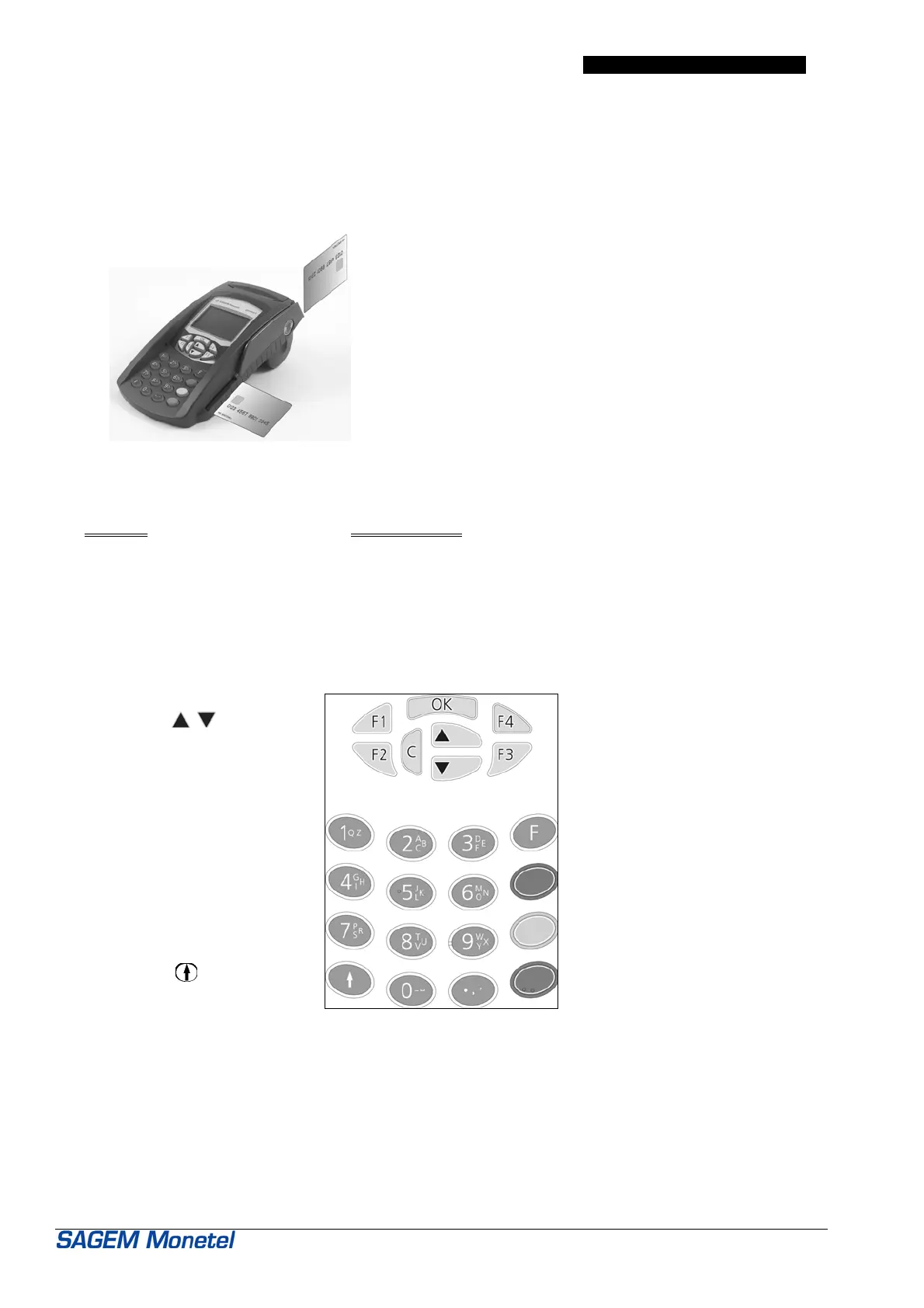
Direction of card insertion
Magnetic cards:
Magnetic stripe facing the inside of the
terminal.
Chip cards:
Chip facing up
Operation
• Always
leave the EFTsmart terminal switched ON and connected to the telephone network.
• It is best to use a dedicated telephone line.
9. KEYPAD KEY ASSIGNMENT
The keys labeled
OK, C,
,
are navigation keys in the
menus
: Paper-feed key
The four keys labeled
F1, F2, F3, F4
are interactive dialog keys for
use between the screen and
the operator.
Function Key
CANCEL key: Red
CORRECT key: Yellow
VALIDATE key: Green


 To Next Page