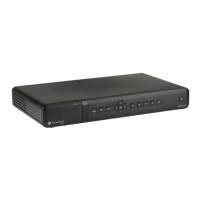
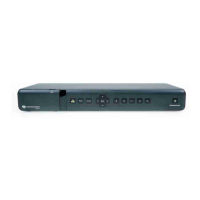
DTR94 HD freesat
Getting started
5
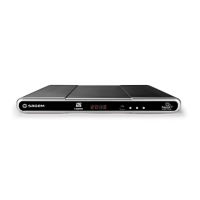
Front panel of the recorder
Item Description Item Description
1
Digital display
• Shows the current time when the
recorder is in standby.
• Shows the programme number when
the recorder is on.
• Shows hard disk activity (recording in
progress, programme playback, ...)
4 Change channels
2 Status indicator 5
Standby button
• Put the recorder in standby
mode / Wake up the recorder from
standby mode (press and let go).
• Restart the recorder (press and hold
for 5 sec.)
3
USB port: To allow manual software
updates
UG 253443006-C DTR94 HD Freesat UK.book Page 5 Jeudi, 13. octobre 2011 11:25 11


 To Next Page