User Manual
24
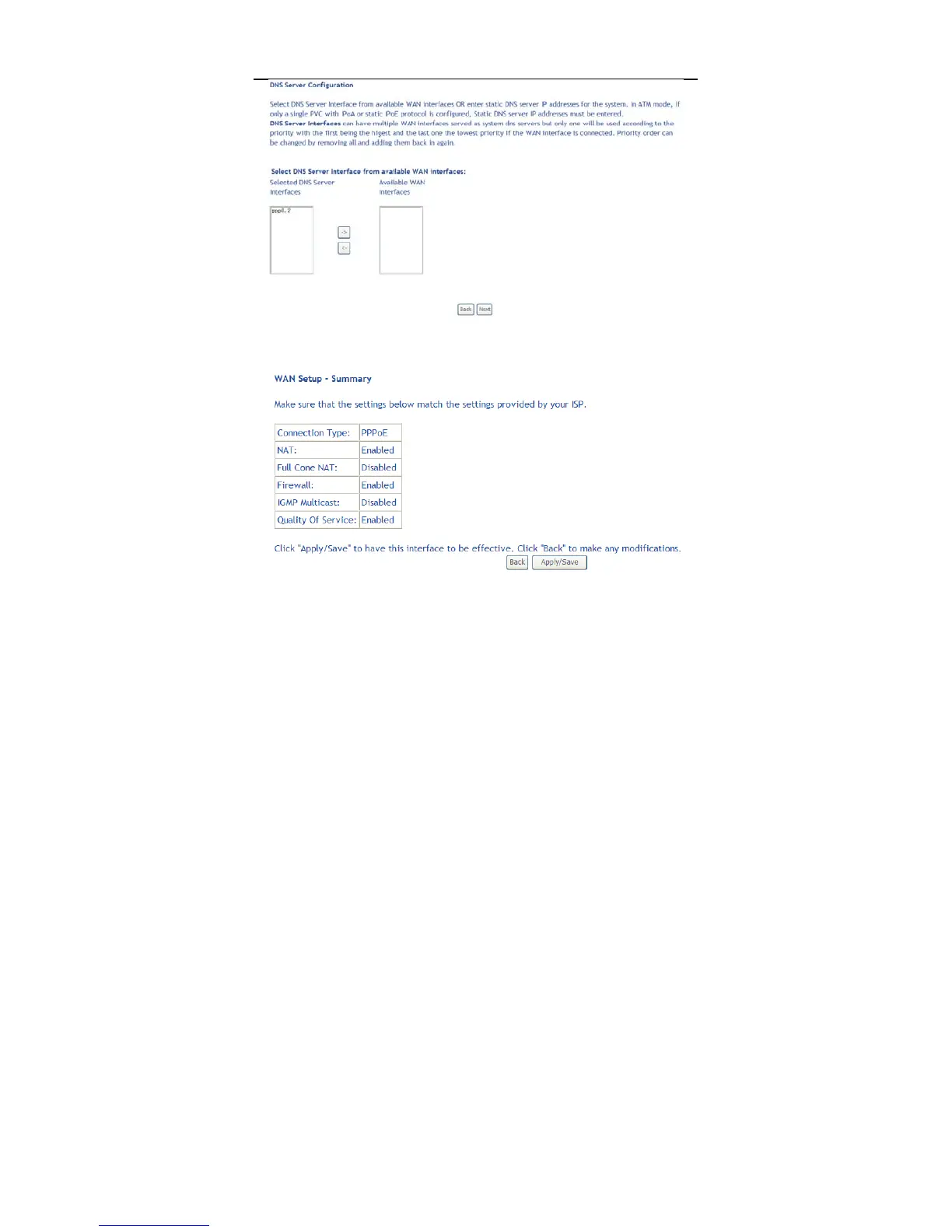
Step7 In this page, you can obtain the DNS server addresses from the selected
WAN interface. Click Next, and the following page appears.
Step8 In this page, it displays the information about the PPPoE settngs. Click
Apply/Save to save and apply the settings.
5.2.2.2 Adding a Bridge WAN service
This section describes the steps for adding the Bridge WAN service.
Step1 In the Wide Area Network (WAN) Service Setup page, click the Add
button to display the following page. (At first, you must add a proper ATM



 To Next Page