9
DSC Display Operation
Receiving an Individual DSC Call
When calling watch is on, your MF/HF set is constantly scanning the
selected DSC channels for incoming DSC calls.
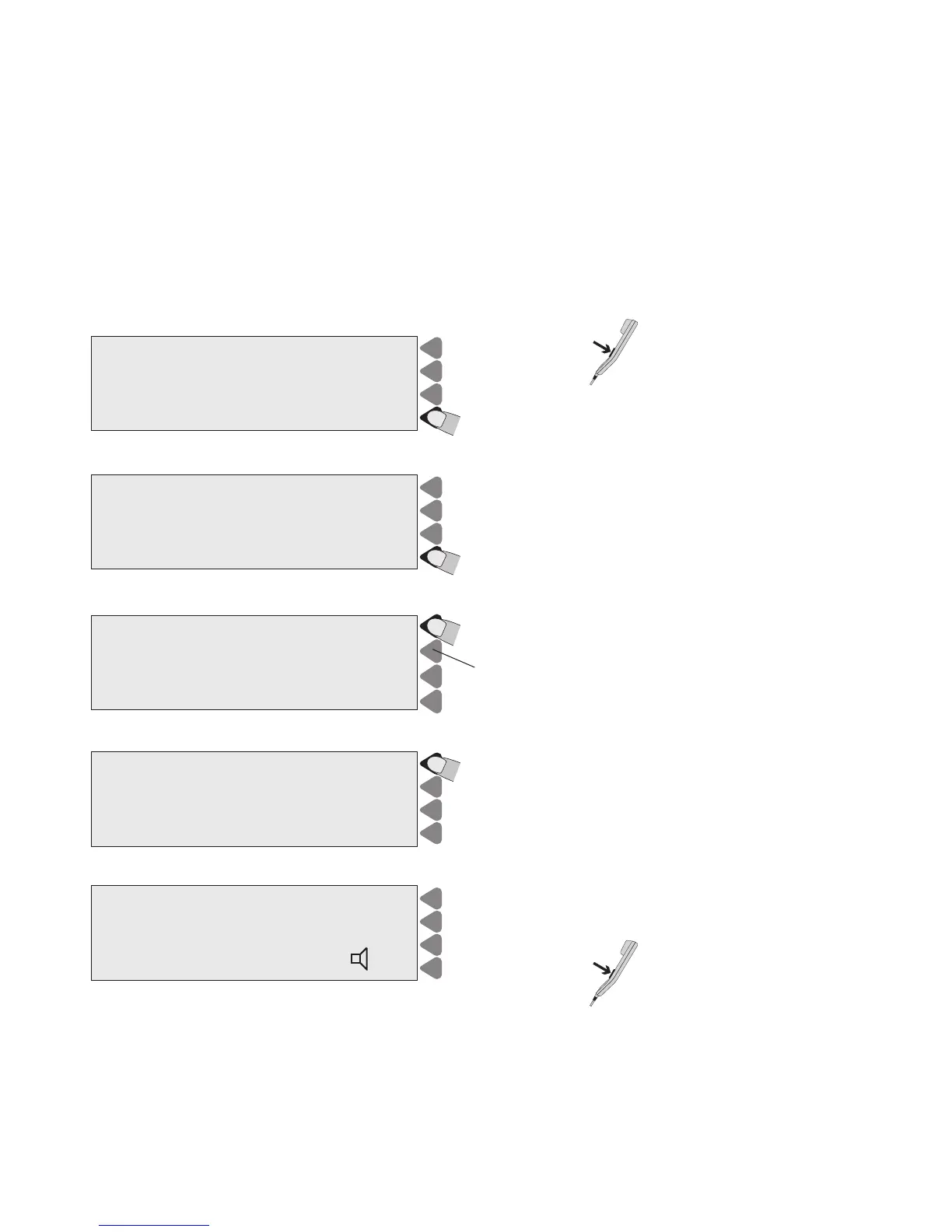
Lift the handset and
press PTT to connect
to the caller.
OR
Press VIEW to read out the call.
Press ABORT to return to TEL screen.
Lift HANDSET to connect
Individual
call received
VIEW
ABORT
FROM: 219000012
Press MORE to view the second part of call.
CALL CONTENT
Time 10:55:00 13 Okt 97
TYPE: Individual
FROM: 219000012
CAT.: Routine
ACKN: Request MORE
Press CONNECT to transmit and set channel.
Press CHANGE to change the acknowledgement.
Select CONNECT CONNECT
to reply call
COMM: SSB telephony CHANGE
MSG.: No Info
AD.: Freq. RX 2053.0 TX 2053.0 CANCEL
AGAIN
Select send to transmit SEND
TYPE: Individual
TO : 219000012
COMM: SSB telephony
AD.: Freq. RX 2053.0 TX 2053.0
ACKN: Reply CANCEL
Press SEND to transmit the reply.
Take the handset and start talking.
> Rx 2053.0 kHz
Tx 2053.0 kHz
CH
TX
MODE
SSB TELEPHONY TUNE<
SIGNAL CLRF
POWER HIGH SQUELCH OFF | | | | | RF-G


 To Next Page