18
The Function Tree
Options: System settings.
For authorized service personnel only.
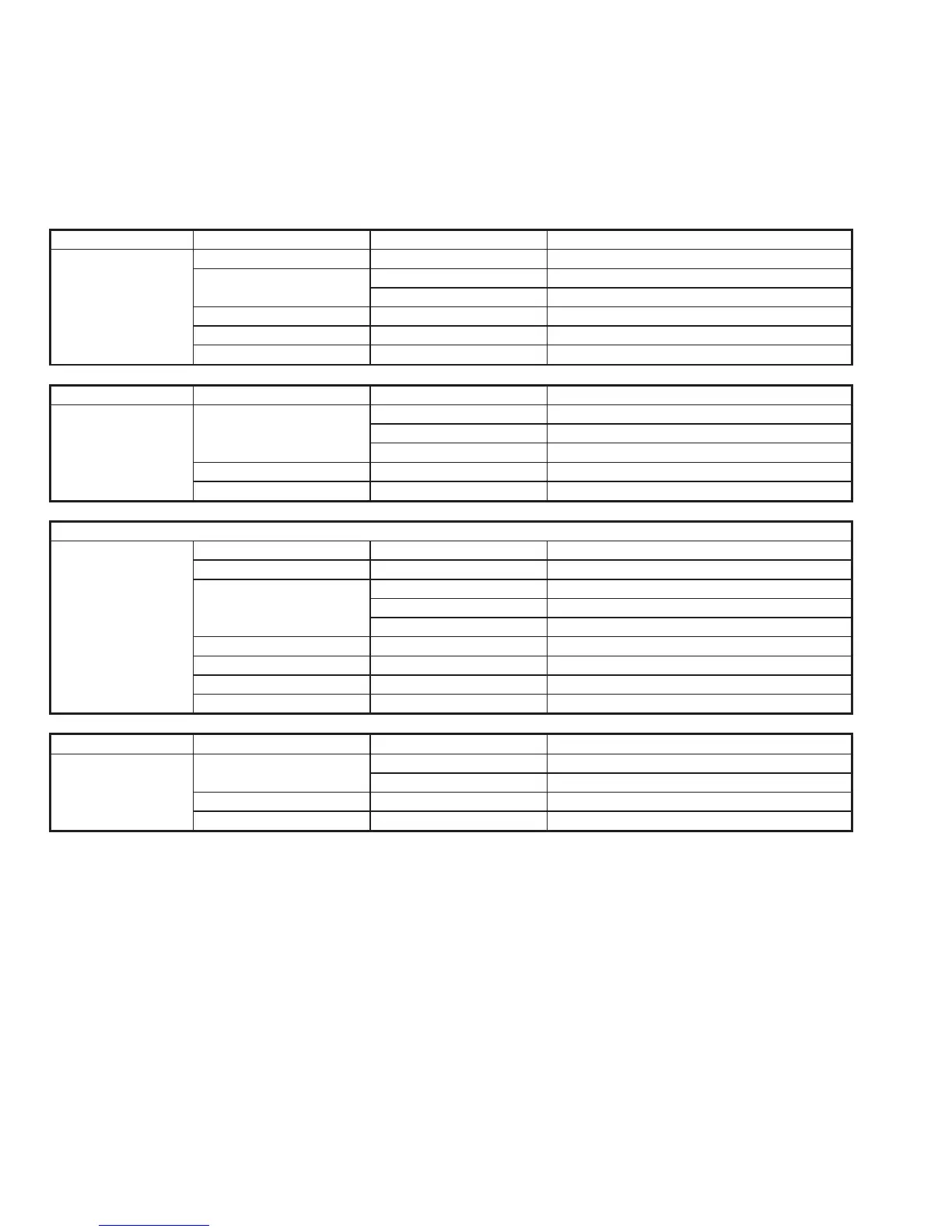
Menu Submenu Level 1 Submenu Level 2 Parameters
User Display Contrast 0 to 7. High Contrast = 7
Sound Earpiece level Attenuation Level 0 - 15
Alarm level Attenuation Level 0 - 15.
Version SW versions for all modules
Print DSC Printer On/Off
Config HW configuration
Menu Submenu Level 1 Submenu Level 2 Parameters
Telephony CH Add Add new user ch
Delete Delete user ch
View View ch
Protection Read Transceiver protection codes
Test Self test TU module
Menu Submenu Level 1 Submenu Level 2 Parameters
DSC MMSI The MMSI number of the unit
ACKN Auto ackn on request On/Off
DSC Freq Add Add new DSC call/receive freq
Delete Delete DSC call/receive freq
View View DSC call/receive freq
Position Change Automatic if connected to a GPS
Time Change Automatic if connected to a GPS
Test DSC modem self test
Language Change language if allowed
Menu Submenu Level 1 Submenu Level 2 Parameters
Station Add Shore Add new shore station
Ship Add new ship station
Delete Delete station
View / Edit View stations or Edit stations


 To Next Page