32
1. Prepare
1.1 Disable Steppers
Disable stepper motors for the X/Y/Z axis so you can move the print head around manually without risking damaging
the stepper motor driver electronics.
1.2 Auto Home
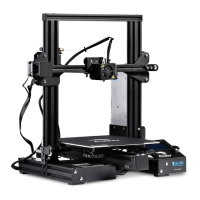
To make the X/Y/Z axis returns to the home position then your Ender-3 is ready for printing.
1.3 Preheat PLA
Heat up to the default setting temperature, which is 220 C for the nozzle and 60 C for the heated bed.
1.4 Preheat ABS
Heat up to the default setting temperature, which is 230 C for the nozzle and 90 C for the heated bed.
1.5 Cool down
Stop the nozzle form moving and it will be cooled down.
1.6 Move Axis
Manually adjust the position of X/Y/Z axis and extruder stepper motor.
Notice: To use this option for adjustment, nozzle MUST have been preheated up to the temperature of 185 C.
1.6.1 10mm Move X Move Y
1.6.2 1mm Move X Move Y Move Z Extruder
1.6.3 0.1mm Move X Move Y Move Z Extruder


 To Next Page