Use it to select displayed parameters cyclically
during running or stop status. In parameter setting
mode, press this key to select the bit to be
modified.
In running status, use it to stop the controller.
In malfunction alarm status, use it to reset the
controller.
4.2 Keypad Operation Process
4.2.1 Parameter Setting
Three levels of menu are as following:
• Function code group (first-class)
• Function code (second-class)
• Setting parameter of function code (third-class)
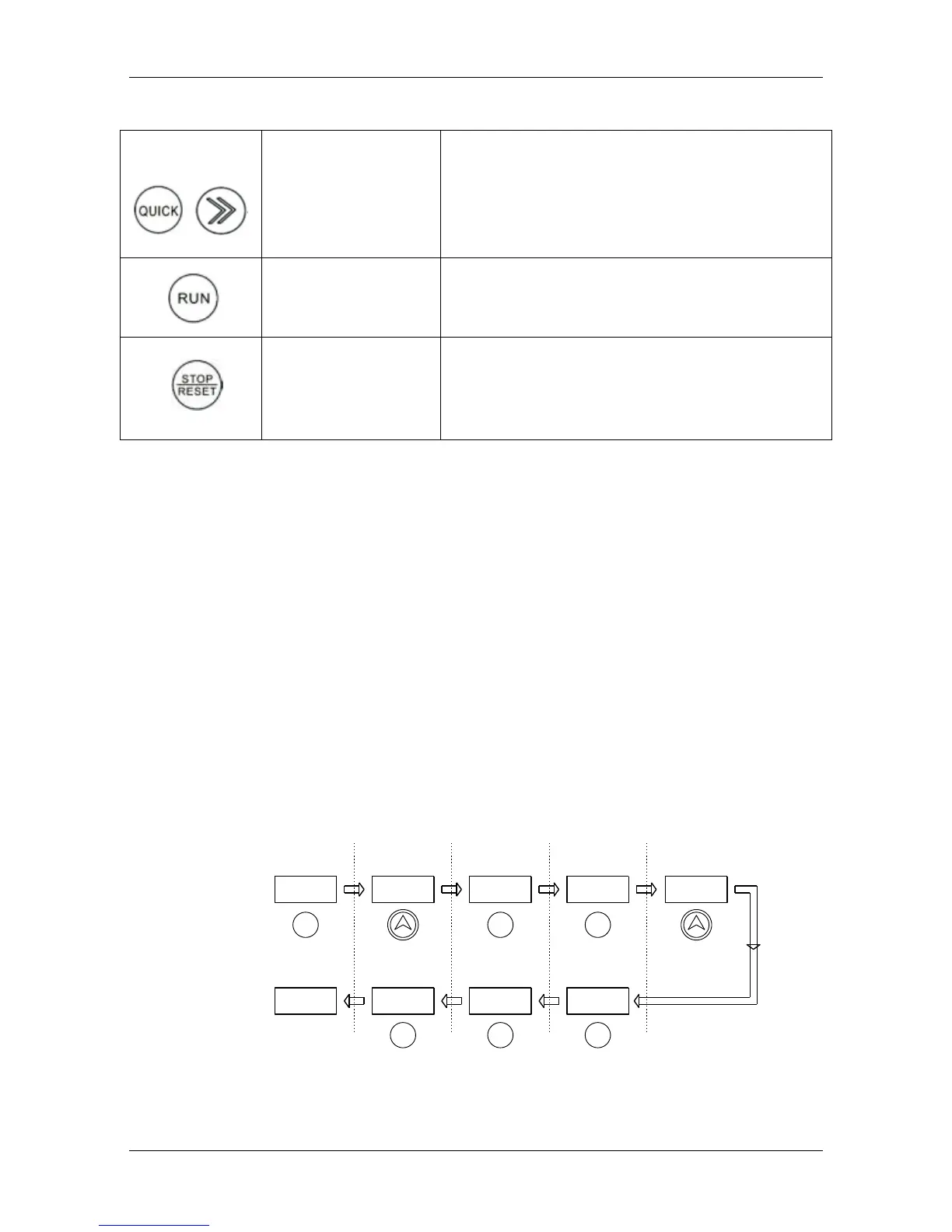
In order to set up the electric automatic start function FD.07=11 as an example, the
modified parameter flow chart is as follows:
Figure 16 Schematic Diagram of Function Parameters



 To Next Page
 Loading...