English - 41 -
Using USB Media
You can connect USB devices to your TV by using •
the USB input of the TV. This feature allows you to
display/play JPG, MP3 and video les stored on a
USB stick.
It is possible that certain types of USB devices (e.g. •
MP3 Players) may not be compatible with this TV.
You should back up your les before making any •
connections to the TV set in order to avoid any
possible data loss. Note that the manufacturer
will not be responsible for any le damage or data
loss.
Do not pull out USB module while playing a le.•
CAUTION: Quickly plugging and unplugging USB
devices, is a very hazardous operation. Do not
repeatedly quickly plug and unplug the drive. This
may cause physical damage to the USB player and
especially the USB device itself.
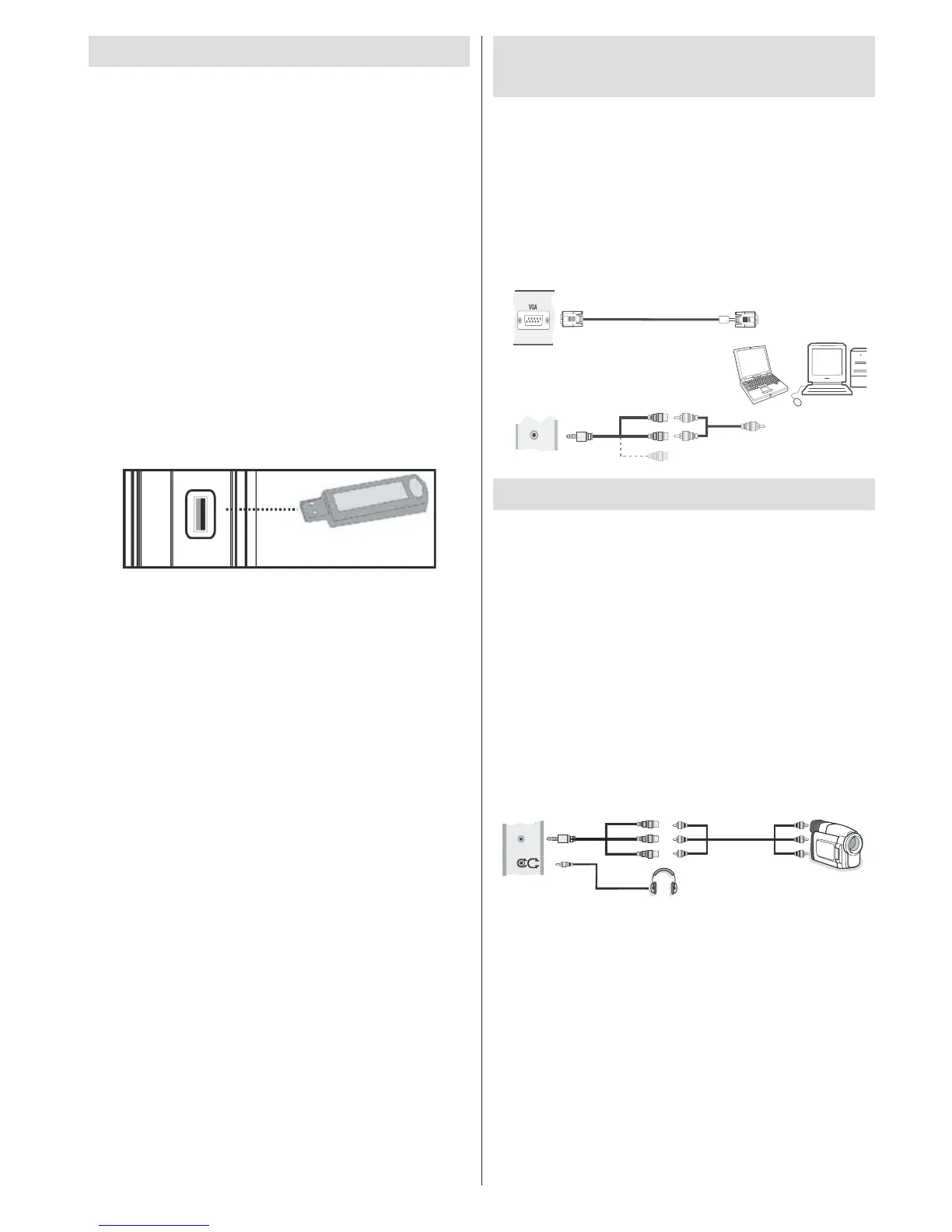
SIDE VIEW USB MEMORY
USB Memory Connection
IMPORTANT: The TV should be switched off while
plugging or unplugging a USB device. Plug your
USB devices to the USB input of the TV. You can
connect a USB device to your TV by using the USB
input of the TV.
Note: It is possible certain types of hard disk drives
are not supported.
Connecting the LED TV to a
PC
For displaying your computer’s screen image on your
LED TV, you can connect your computer to the TV set.
Power off both computer and display before making
any connections. Use 15-pin D-sub display cable to
connect a PC to the LED TV. When the connection
is made, switch to PC source. See “Input selection”
section. Set the resolution that suits your viewing
requirements. Resolution information can be found
in the appendix parts.
PC Input
(back)
Side AV Input
PC VGA Cable
(not supplied)
PC Audio Cable
(not supplied)
Side Audio/Video
Connection Cable
(supplied)
or
SIDE AV
Using Side AV Connectors
You can connect a range of optional equipment to your
LED TV using side connectors of the TV.
For connecting a camcorder or camera , you should •
use SIDE AV socket (side). To do this, you must use
the supplied video/audio connection cable. First,
plug single jack of the cable to the TV’s AV IN socket
(side). Afterwards, insert your camera cable’s (not
supplied) connectors into the plural part of the video/
audio connection cable. Colours of the connected
jacks should match. See illustration below.
Afterwards, you should switch to Side AV source. •
See the section Input selection in the following
sections for more information.
Camera
Side AV Connection
Cable (supplied)
AV Cable
(not supplied)
Headphone
SIDE AV
To listen the TV sound from headphones, you •
should connect headphones to your TV by using the
HEADPHONE jack as illustrated above.


 To Next Page