numeric buttons on the remote control. Set Start and
Stop Frequency as desired by using numeric buttons
on the remote control. After this operation, you can set
Search Step as 8000 KHz or 1000 KHz. If you select
1000 KHz, the Tv will perform search process in a
detailed way. Searching duration will thus increase
accordingly. When nished, press OK button to start
automatic search.
If you select AERIAL option from the Search Type
screen, the television will search for digital terrestrial
TV broadcasts.
Note: You can press “MENU” button to cancel.
After all the available stations are stored, Channel •
List will be displayed on the screen. If you like the
sort channels, according to the LCN, please select
“Yes” and than press “OK”.
Press • OK button to quit channel list and watch TV.
Installation
Press “MENU” button on the remote control and
select Installation by using “
” or “ ” button. Press
OK button and the following menu screen will be
displayed.
Select Automatic Channel Scan (Retune) by using “
”/“ ” button and press OK button. Automatic Channel
Scan (Retune) options will be displayed. You can
select options by using “ ”/“ ” and OK buttons.
Auto Channel Scan (Retune) Menu
Operation
Digital Aerial: Searches and stores aerial DVB
stations.
Digital Cable: Searches and stores cable DVB
stations.
Analogue: Searches and stores analogue stations.
Digital Aerial & Analogue: Searches and stores both
analogue and aerial DVB stations.
Digital Cable & Analogue: Searches and stores both
analogue and cable DVB stations.
Whenever you select an automatic search type and •
press OK button, a conrmation screen will appear
on the screen. To start installation process, select
Yes, to cancel select No by using .“
” or “ ” and
OK button.
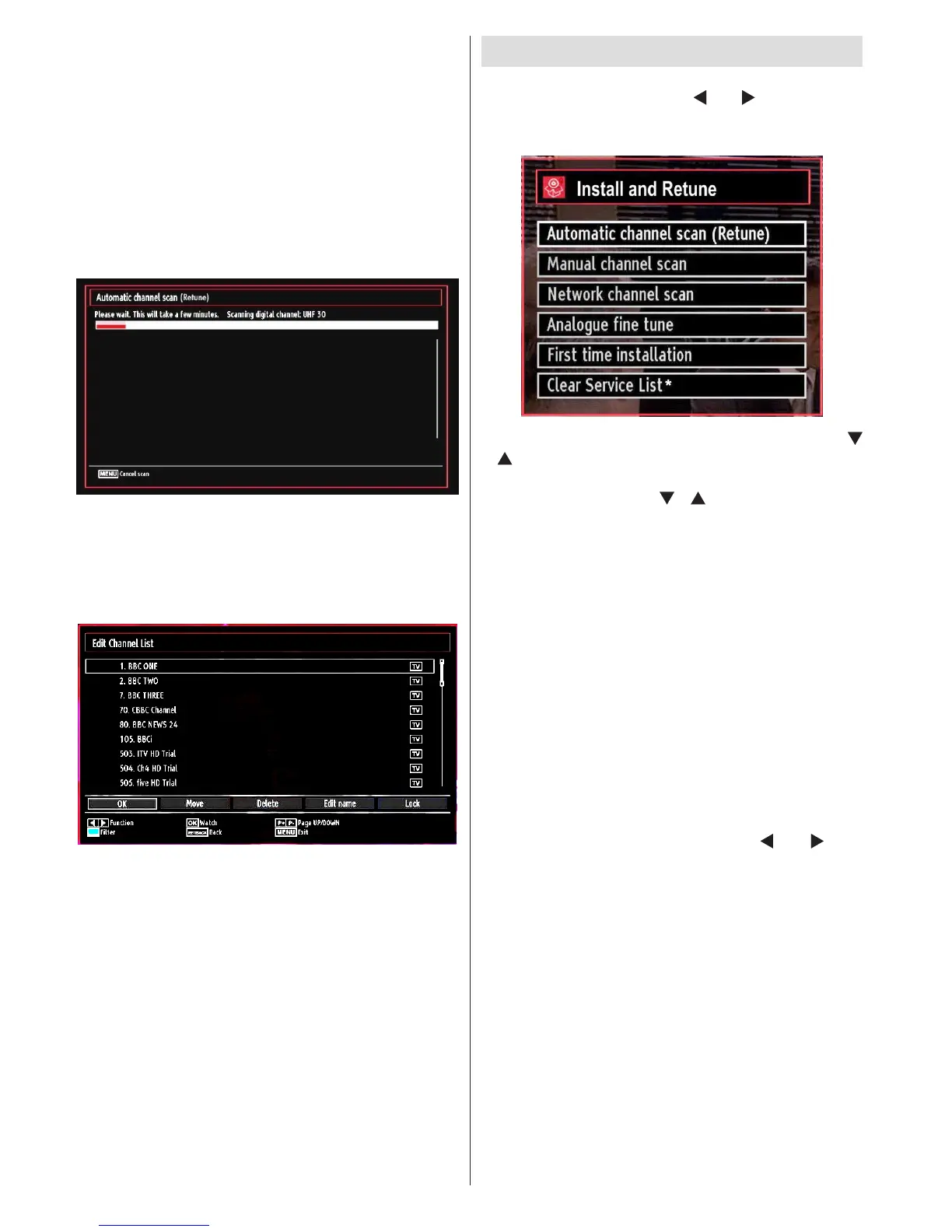
After the auto channel scan type is set and selected •
and conrmed, the installation process will start and
the progress bar will move along. Press “MENU”
button to cancel process. Located channels are not
stored if the process is cancelled.



 To Next Page