MODE
MODE
+Hr
+Hr
SELECT SET
<
<
8
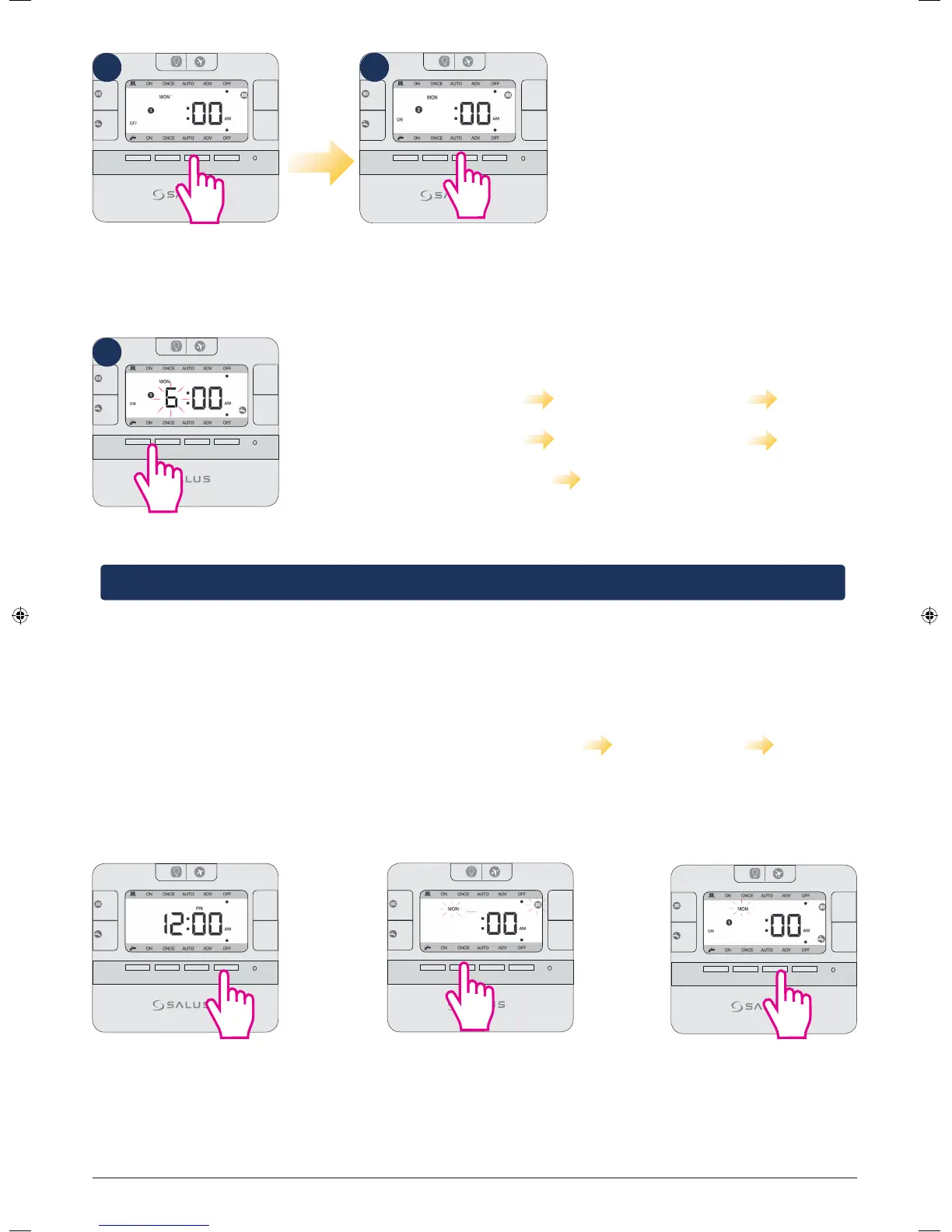
Controller will now
go to program nr 2
MODE
MODE
+Hr
+Hr
SELECT SET
<
<
8
Press Select.
Please continue by following the
same steps for program nr 2 and 3.
After you finish programing CH for
Monday, the controller will ask you to
do the same thing for the Hot Water.
You can choose different or similar end/
start time. The LCD will look like step 12.
MODE
MODE
+Hr
+Hr
SELECT SET
<
<
6
The sequences followed by the controller when programming CH
and HW individually goes at it follows:
Monday CH (program 1-3) Monday HW (program 1-3)
Tuesday CH (program 1-3) Tuesday HW (program 1-3)
Wednesday CH (program 1-3) Wednesday HW (program 1-3) etc
Note: To save your settings and exist to home screen in normal mode, press Set at any time.
Programming CH and HW together
MODE
MODE
+Hr
+Hr
SELECT SET
<
<
Press Set to enter setting
programs .
MODE
MODE
+Hr
+Hr
SELECT SET
<
<
The CH icon and Mon will start
flashing. Press up arrow 2 times.
MODE
MODE
+Hr
+Hr
SELECT SET
<
<
Press Select to start entering
a start time for the program
and then follow the same
steps as above from 3-11.
6
6
The programming principle is exactly the same, but you can only set the same Start/End time for the CH and
HW. The programming sequence goes as it follows: Monday CH+HW Tuesday CH+HW Wednesday
CH+HW etc.
To program them together, follow the steps:
10
12
11
EP210 Installation Manual 17



 To Next Page