Reviewing Set Point Temperature
You can view the set point temperature at any time by pressing
either the UP or DOWN key.
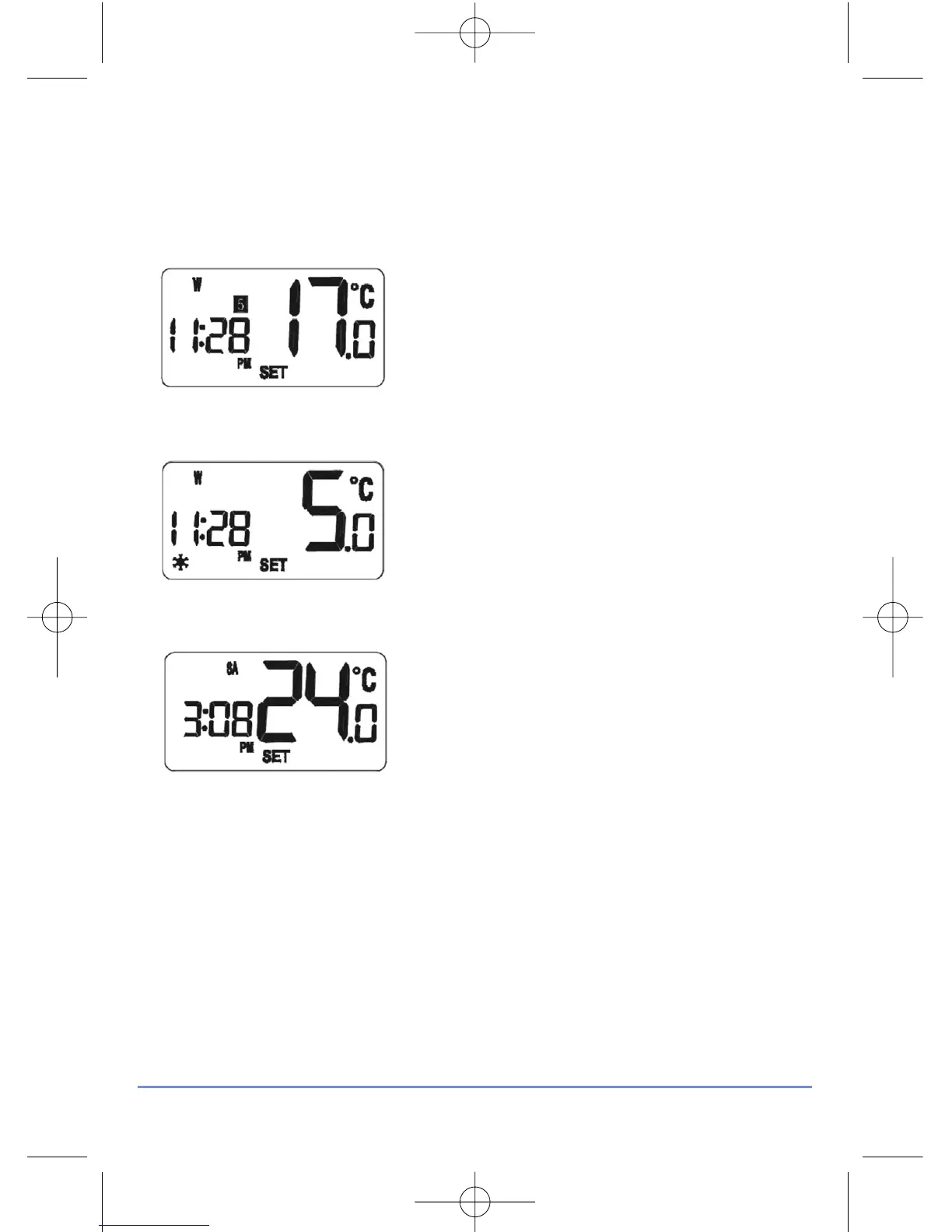
When any programme is running, the LCD
display will show the programme set point
temperature with the SET indicator
displayed:
When operating in Frost Protection mode,
the LCD display will show a reading of 5 °C
and also display the Frost Protection
indicator:
When operating in Temporary Override
mode, the LCD display will show the
temporary set point temperature:
To exit from the set point review, press any key except the UP or
DOWN keys, or don’t press any keys for approximately four seconds
– either of these actions will return the RT500 to Normal mode.
RT500 INSTRUCTION MANUAL
16



 To Next Page