FROST PROTECTION
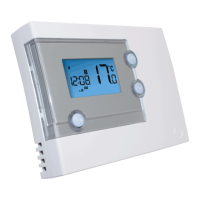
To enable the Frost Protection mode, press and hold the BACKLIGHT /
FROST button for three seconds with the RT500 in Normal mode. Once
Frost Protection is enabled, the set point temperature is automatically set
to 5°C to provide protection from the risk of freezing.
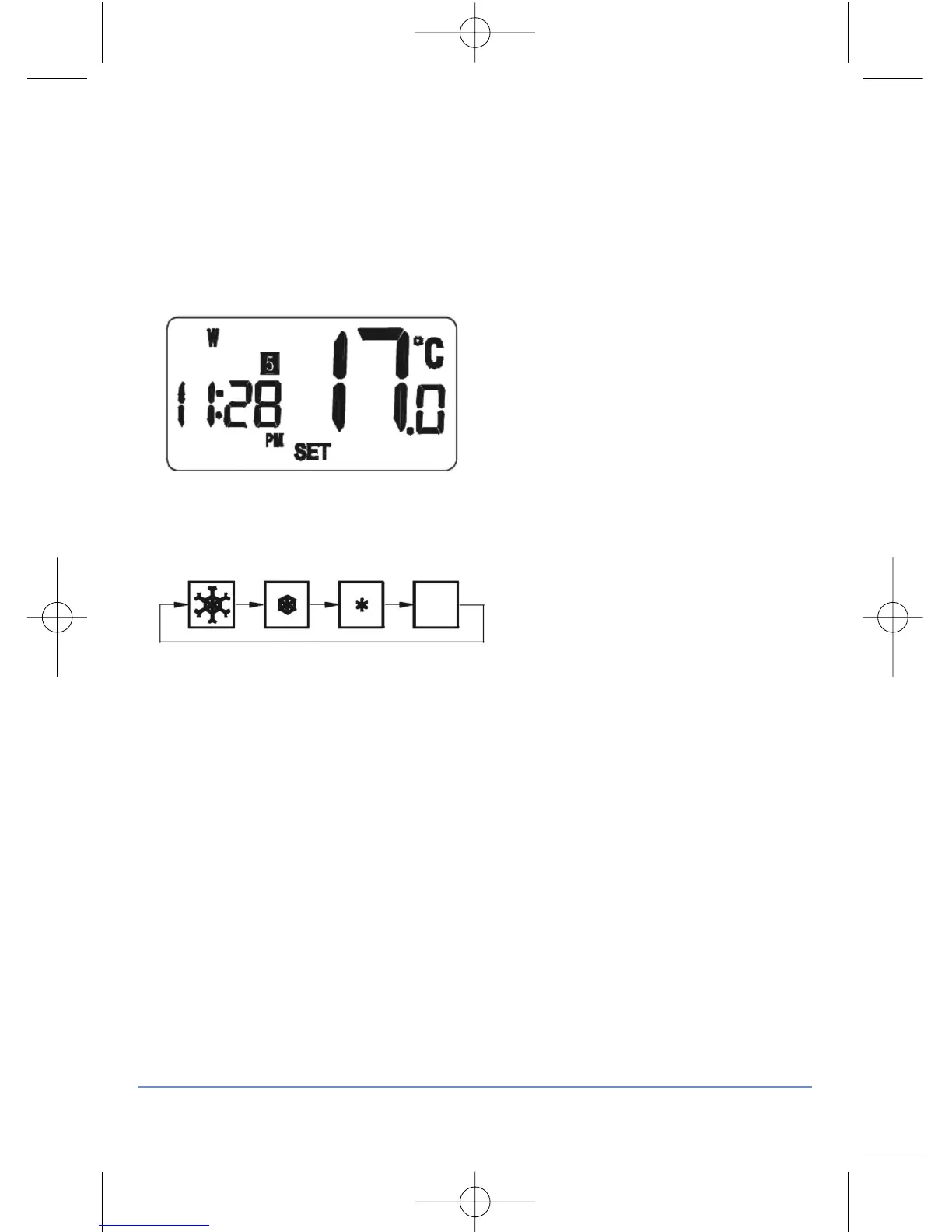
Whenever Frost Protection is activated, the Frost Protection indicator will
flash in the sequence shown below:
While Frost Protection is activated, it will override any programme settings
until the mode is changed. To turn off Frost Protection mode, press and
hold the BACKLIGHT / FROST button for three seconds.
RT500 INSTRUCTION MANUAL
15



 To Next Page