USER CONTROL FUNCTION SUMMARY
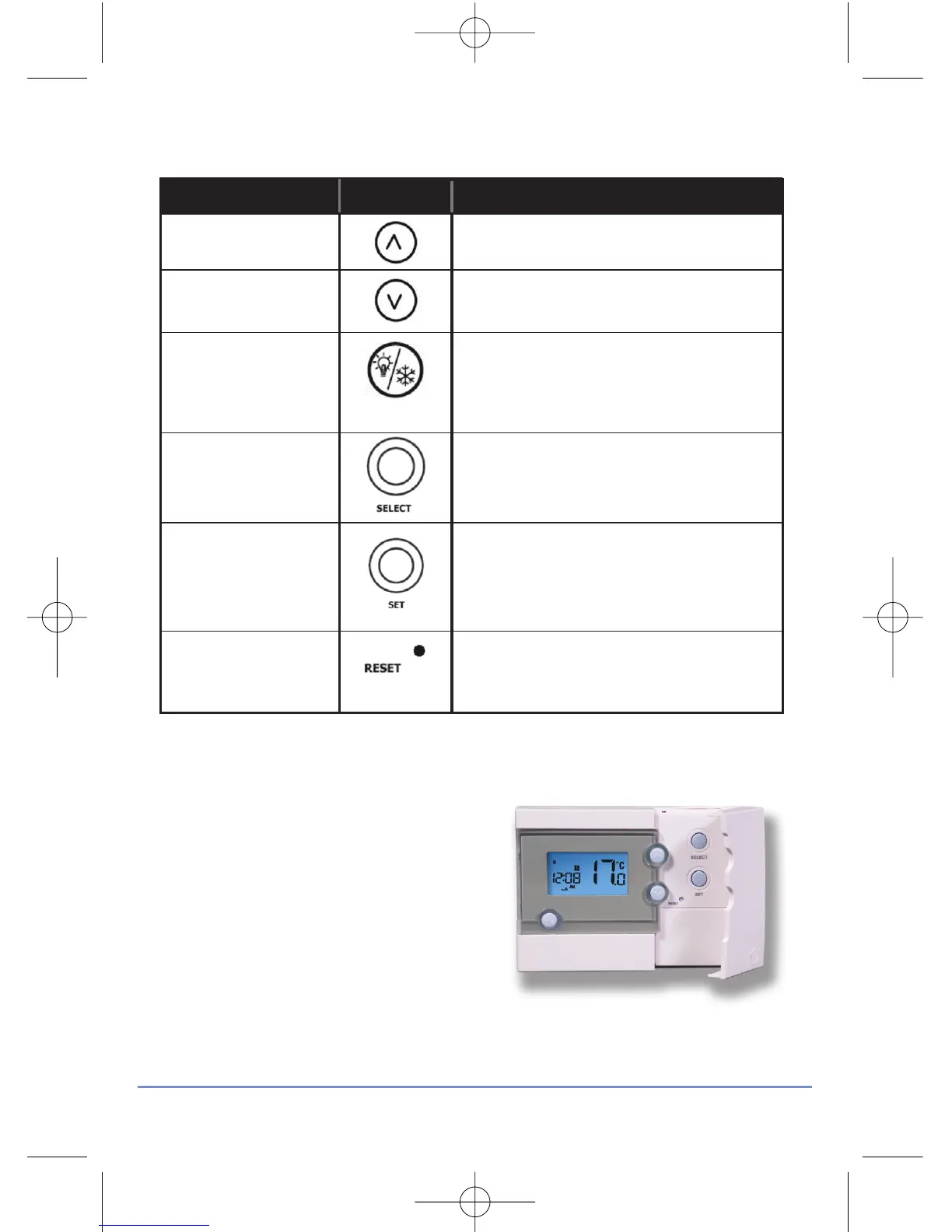
Key / Operation Symbol Functions
UP key Increases the selected setting
DOWN key Decreases the selected setting
BACKLIGHT / Manually turns on the LCD backlight
FROST key for 5 seconds, or activates /
deactivates Frost Protection
SELECT key Selects a clock or programme setting
SET key Sets a clock or programme setting
RESET button Resets the programmable thermostat
to default (original factory) settings
OPERATION
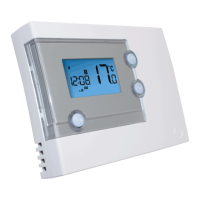
The RT500 is configured and adjusted
by the use of a minimal number of user
controls, and an intuitive user interface.
The backlit Liquid Crystal Display (LCD)
gives a highly visible, easily readable
indication of the programmable
thermostat status.
RT500 INSTRUCTION MANUAL
9



 To Next Page