SAMIX
®
ES500
26
6.4 Switching on and selecting the operating mode
Proceed as follows:
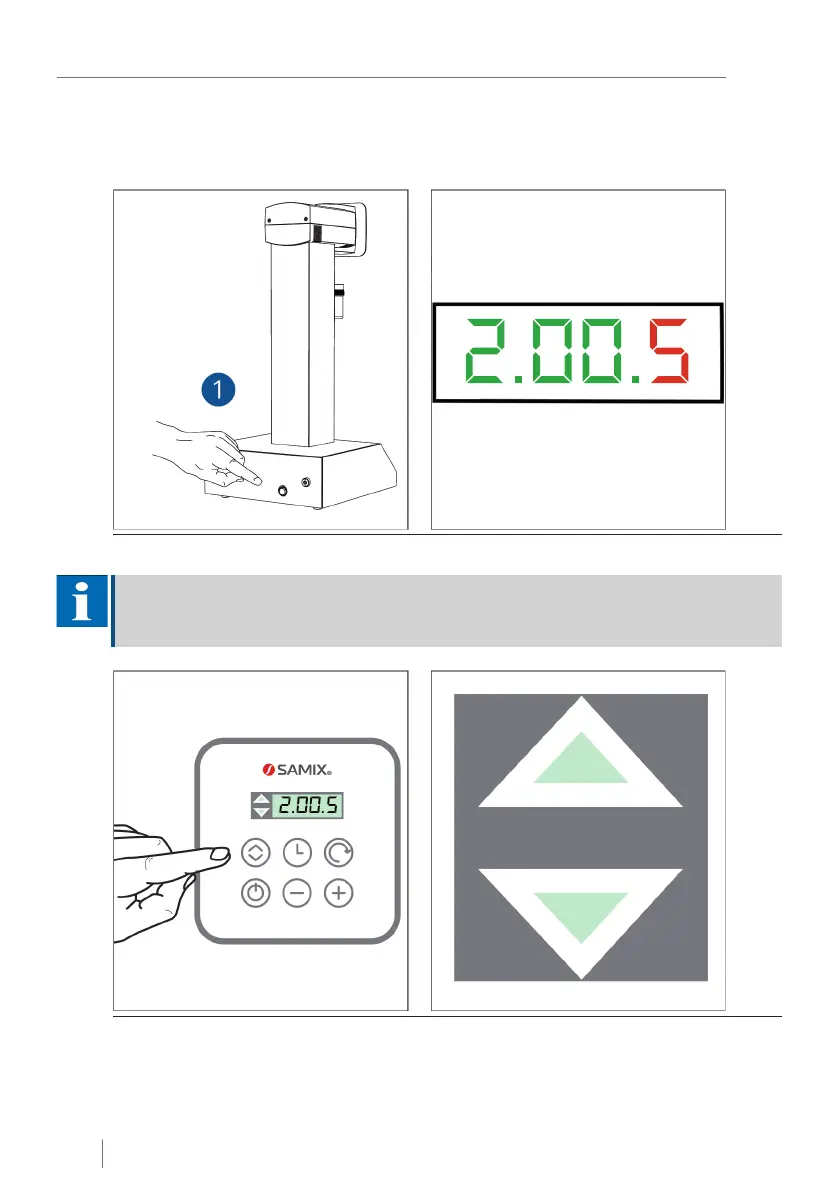
Fig. 11: Switch on power switch; display with standard settings
NOTICE
The standard settings are displayed after switching on the SAMIX
®
ES500. A mixing time of "2
minutes" and speed setting "5" are set by default.
Fig. 12: Select the operating mode using the "AUTO/MANUAL" button


 To Next Page