8 | SAMLEX AMERICA INC.
7. Determine whether the optional EVO-RC remote control is necessary for
your application
•
The Optional EVO-RC Remote Contr
ol provides useful functional information such as
battery voltage, battery charging status, and AC output power. EVO-RC Remote Control
is also capable of logging events to an SD card to create a history record of usage and
performance.
•
EVO-RC Remote Contr
ol is required to adjust any of the programmable parameters
to customize its functionality to your specic requirements. For all programming
instructions, please refer to the EVO-RC Owner's Manual
•
If the factory defaults ar
e adequate for your requirements or once parameters are
adjusted to meet your requirements, it is not necessary to keep the EVO-RC attached
to the EVO
TM
Inverter Charger to maintain functionality.
•
If the user would like to have the EVO-RC Remote Contr
ol installed, there is a 1:1
wall cutout template in the EVO-RC box for a ush mounted installation with basic
installation instructions.
WARNING!
If there are any items in Sections 1, 2 or 3 of the Owner’s Manual that you do not understand, do not attempt to
install the unit yourself. For a safe and code compliant installation, please consult a Certied Electrician that is
familiar with Local and National electrical codes.
All electrical systems both DC and AC must be disconnected from the source during the installation. Use of
isolated tools is recommended.
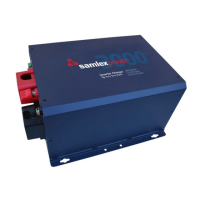
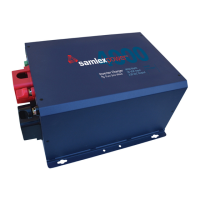
8. You are now ready to install the EVO
TM
Inverter Charger
•
Re-r
ead Section 3, starting page 34 of the EVO
TM
Owner’s Manual
• Mount the EVO
TM
in the planned location
• Mount, cable, and attach the optional EVO-RC Remote Control, if desired
• Install AC Input and AC output wiring and breakers
•
Install the battery bank in the planned conguration
• Connect the battery bank to the EVO
TM
Inverter Charger
• Recheck all wiring, grounding, and connections
9. If all wiring, grounding, and connections are correct, complete the installation
•
T
ighten cable glands
•
Install DC terminal covers
• Replace AC access cover
• Place DC fuse in fuse holder. When placing this fuse a spark can occur.
•
Switch on the DC
•
Switch on the AC
EVO INVERTER/CHARGER | Quick Start Guide


 To Next Page