13
Using LINK to Connect Two XP40i’s
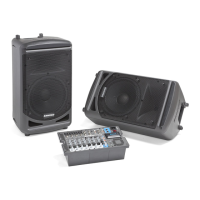
To use two XP40i’s as one system is simple. Just connect each side a standard
¼-inch Shielded instrument cable to the LINK jack located on the XP40i’s rear
panels. Both mixers and the microphones or instruments connected to each of the
individual XP40i’s will be heard in both speakers.
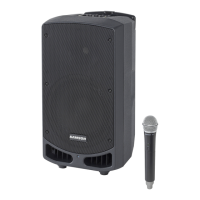
One XP40i and One XP40iw.
To use an XP40i and XP40is as one system, just connect each side using a standard,
¼-inch, shielded instrument cable to the LINK jack located on the XP40i and
XP40iw’s rear panels. Both mixers and the instruments or microphones (including
the wireless microphone) connected to each of the individual XP40i’s will be heard
in both speakers.
Operating the XP40i and XP40iw







 To Next Page