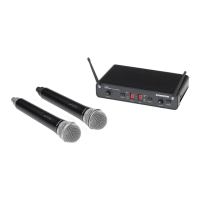
Guided Tour - UR-4 Front Panel
1: Power switch - Use this to turn the main power on and off. When
the receiver is on, both the “Power” and “Diversity” LEDs in the display
section (see #4d and #4f on the following page) will be lit.
2: Antenna A and B mountings - Connect the supplied antennas to
these mountings. Third-party receiver antennas should not be
substituted—use only the antennas provided with your receiver.
3: Volume control - This knob determines the level of the audio signal
being output through both the balanced and unbalanced output jacks on
the rear panel.
4: Display section - Shows information about the current status of the
receiver.
4a: RF (Radio Frequency) Level “A”/“B” display - This “ladder”
display (similar to the VU bar meter used on audio devices) continuously
indicates the strength of the UHF signal being received by antennas A
and B. When all ten segments are lit, the incoming signal is at maximum
strength; when only the lowest segment is lit, the incoming signal is at
minimum strength. If no segments are lit, no signal is being received;
check to ensure that the transmitter is on and that the transmitter and
receiver are set to the same channel (see the “Trouble-shooting” section
on page 20 for more details).
5



 To Next Page