70
PLAY & PAUSE ( ) button
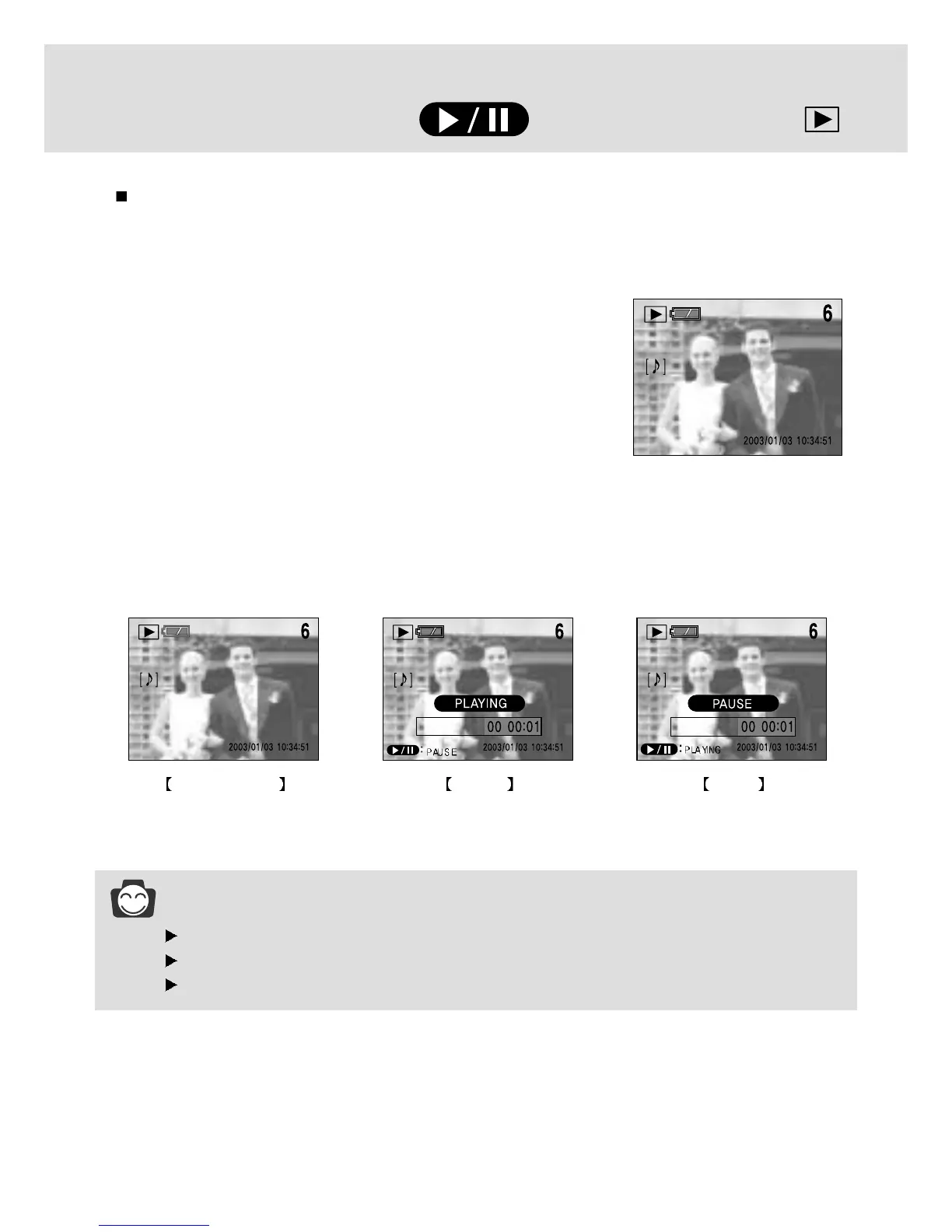
When the menu is not displayed on the LCD monitor, press the PLAY & PAUSE button to play and
pause the movie clip, or a still image that has a voice memo or audio recording file.
1. Press the play mode button.
2. Press the LEFT/ RIGHT button to select an image that has
voice memo, movie clip or audio recording file.
INFORMATION
The selected image plays back as a single image display.
When the image is playing, the play & pause button, power switch and mode dial can be activated.
When the image is paused, the left/ right button, power switch and mode dial can be activated.
3. Pressing the PLAY & PAUSE button activates the following.
- If an image is showing, but there is no sound (or movement) : Plays the sound clip or starts the
movie clip.
- If the image is playing : The progress is paused.
-
If the PLAY & PAUSE button is pressed when the image is paused, the sound or movement will resume.
To select another image, pause the progress and press the LEFT/RIGHT button.
Initial play mode Playing Pause




 To Next Page